
Stereoscopic Images: Technical Explainer
Stereoscopic images are paired left-eye and right-eye views that, when delivered through a compatible display system, allow a viewer to perceive real depth without needing 3D glasses for autostereoscopic or glasses-free 3D configurations. For professional review teams evaluating a glasses-free 3D spatial display, understanding what stereoscopic images are and how they fit into a monitor-style workflow is the foundation for any content compatibility decision.
This article walks through the technical concept, the formats you are most likely to encounter, the workflow fit for medical visualization, industrial inspection, CAD review, and microscope collaboration, and the limits to plan around before committing to a spatial display deployment.
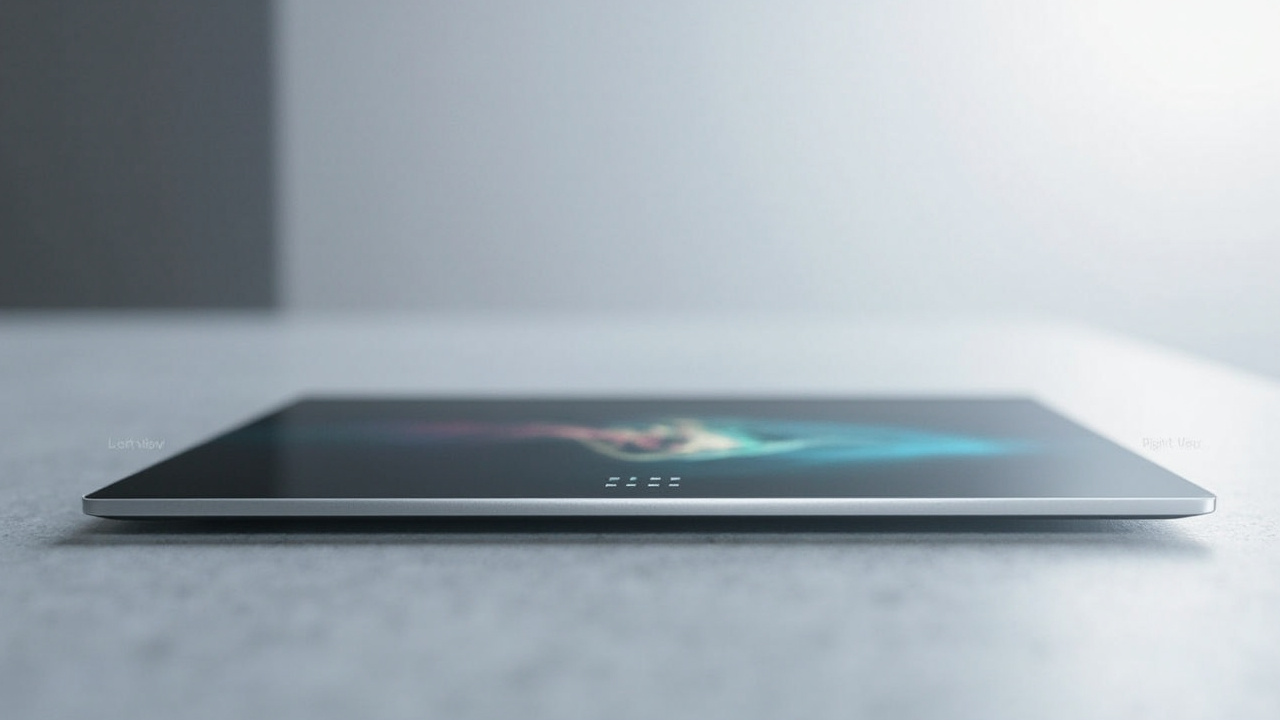
A side-by-side stereoscopic image pair carries the left and right views that a glasses-free 3D spatial display separates for the viewer.
What stereoscopic images are
A stereoscopic image is a single visual asset that carries two slightly different perspectives of the same scene: one intended for the viewer’s left eye and one intended for the right eye. The horizontal offset between those two views is the stereo disparity, and it is what the brain interprets as depth when both views reach the correct eye at the same time.
In practice, a stereoscopic image is usually delivered as one of the following:
- A side-by-side pair, where the left view sits next to the right view inside a single frame.
- An over-under pair, where the left view sits above the right view inside a single frame.
- Two separate files delivered together, such as a left stream and a right stream, sometimes wrapped in a container format.
- A multi-view layout, where more than two views are interleaved to support head movement or multiple viewers.
The term “stereoscopic images” is sometimes used loosely to mean “any 3D image.” That is not precise. A standard 2D photograph is not a stereoscopic image, because it carries only one view. A stereoscopic image always carries at least two views bound to the same scene.
For more on the display-side concepts that consume these views, see the Stereoscopic Displays: Technical Explainer and Autostereoscopy glossary.
How stereoscopic images create depth
The depth effect comes from the geometry of the two views. If you take a scene and render it once from the position of a left eye and once from the position of a right eye, the two renders will differ in two predictable ways:
- Objects close to the viewer shift more between the two views than objects that are far away.
- Occluded edges move across the two views in a predictable direction.
When a display delivers the left view only to the left eye and the right view only to the right eye, the visual system fuses the two views into a single mental image that carries depth. The display does not “add” depth. The depth is already encoded in the geometry of the pair. The display’s job is to keep the two views separated correctly at the moment they reach the viewer.
There are three common ways a display accomplishes that separation:
- Glasses-based separation, using polarized, anaglyph, or active-shutter eyewear. The viewer wears something to route the correct view to the correct eye.
- Autostereoscopic separation, using a lenticular layer, parallax barrier, or microlens array combined with eye tracking. No glasses are required because the optical layer routes the views.
- Head-mounted separation, using a VR or stereo headset with separate left and right displays.
A glasses-free 3D spatial display relies on autostereoscopic separation, which is why it matters that the source content is genuinely stereoscopic rather than a flat 2D image.
For the underlying terminology around autostereoscopic delivery, see Autostereoscopy glossary and the Spatial 3D Display: Technical Explainer.
Common stereoscopic image formats
When teams talk about stereoscopic images in practice, they usually mean one of the following formats. Each format encodes the left and right view pair differently, and each has implications for how it is delivered into a spatial review workflow.
Side-by-side (SBS) full-resolution. The left view occupies the left half of the frame and the right view occupies the right half, each at full horizontal resolution. SBS is the most common format in stereo image and stereo video workflows because it is simple, widely supported, and easy to validate visually.
Side-by-side half-resolution. Both views are packed into a single frame at half the horizontal resolution per eye. This trades per-eye sharpness for compact file size and is common in legacy or bandwidth-constrained pipelines.
Over-under. The left view is stacked above the right view inside a single frame. Over-under is common when horizontal resolution is more important than vertical resolution per eye, or when a pipeline prefers vertical splitting.
Separate left and right file pairs. Two independent files, one per eye, kept in sync by the playback or rendering engine. This format avoids any compression penalty from packing two views into one frame, at the cost of more careful file management.
Multi-view layouts. More than two views interleaved for either wider viewing freedom or simultaneous multiple viewers. Multi-view is less common in everyday stereo image workflows but matters for shared-review use cases.
Anaglyph. Left and right views are color-encoded into a single image and separated by colored eyewear. Anaglyph is technically a stereoscopic image format, but it is not a fit for autostereoscopic displays because the optical layer cannot route color-encoded views correctly.
A simple rule of thumb for 3DV Spatial Display fit: if the asset is a left-and-right pair and not color-encoded, it is a candidate. Anaglyph, single-view 2D, and depth-map-only assets are not.
For software pipeline specifics, see the Stereoscopic Display Software Workflow and Compatibility Guide and the Spatial 3D Display Software Workflow and Compatibility Guide.
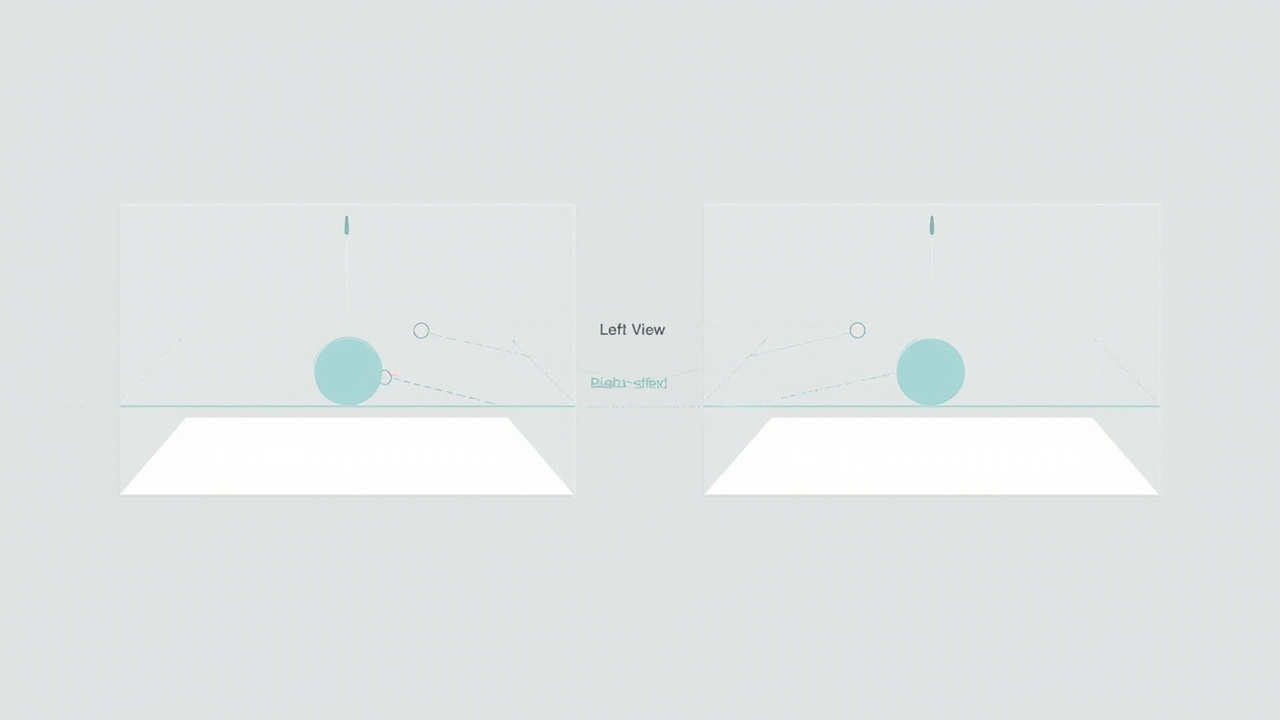
The horizontal offset between corresponding points in the left and right view encodes the depth a viewer perceives.
Where stereoscopic images fit in a workflow
For professional review teams, the value of stereoscopic images is not “having 3D.” The value is that depth-aware review is possible without forcing every participant into a headset. That is the workflow fit 3DV Spatial Displays are built around.
Typical fit scenarios include:
- Medical visualization and education. Stereo image pairs derived from CT, MRI, or volume rendering can be reviewed for anatomy context, trainee explanation, or case discussion. Keep claims limited to visualization, review, education, training, communication, and workflow evaluation.
- Industrial inspection and NDT. Stereo image pairs generated from CT or multi-view capture can be reviewed for defect context, inclusion orientation, and porosity geometry.
- CAD and design review. Stereo image pairs rendered from CAD or 3D model viewers can be reviewed for proportion, clearance, and surface curvature.
- Microscope collaboration. Stereo image pairs from stereo microscope capture can be reviewed for spatial relationships between structures.
- Showroom, demonstration, and exhibit content. Stereo image content is well suited to prepared display loops on a Spatial Display because the display behaves like a monitor in the room.
In all of these cases the workflow assumption is the same: the source pipeline can output a left-and-right pair, and the display delivers that pair without requiring the viewer to wear anything. If your source pipeline only outputs a single flat image, the content is not a stereoscopic image and will not produce depth on an autostereoscopic display.
How to evaluate stereoscopic image content for a glasses-free display
Before committing to a spatial display deployment, the more useful question is not “do I have 3D images” but “do I have stereoscopic images, and can I deliver them into a monitor-style workflow.” A short evaluation checklist is usually enough to surface a fit decision.
- Confirm the asset carries two views. Open the file and check whether it is a single view, a packed pair, or two files. A stereoscopic image is always a pair.
- Confirm the view order. Left must be left, right must be right. Swapped views are a common source of discomfort and inverted depth.
- Confirm the aspect ratio per eye. SBS full and SBS half behave differently. Pick the layout that matches your pipeline rather than relying on the display to compensate.
- Confirm the source pipeline can output the pair. CAD viewers, volume renderers, and stereo capture tools vary widely in their stereo output support. If the pipeline only exports a flat image, plan a stereo export step before the review session.
- Confirm the playback path. Decide whether the review will use a stereo-aware player, an SBS player, a custom application, or a captured stereo image loop.
For hands-on previews, the Spatial Display Simulator and the SBS player are useful sanity checks. For a structured compatibility review, the Content-to-3D Path Checker provides a more formal pass. For software pipeline questions, the Stereoscopic Display Software Workflow and Compatibility Guide is a useful companion.
Limits and trade-offs to plan around
Stereoscopic images are not a universal 3D format. There are honest limits to plan around before treating them as the default content type for a spatial review workflow.
- A flat 2D image is not a stereoscopic image. It will not produce depth on an autostereoscopic display because there is only one view.
- Anaglyph is not a fit. The color encoding breaks under an optical separation layer.
- Depth-map-only content is not a stereoscopic image. A depth map describes relative depth, but it is not a left/right pair and cannot be displayed as one without rendering.
- Per-eye resolution is the format, not the display. SBS half halves the per-eye resolution. Plan asset pipelines accordingly.
- Viewer geometry matters. Autostereoscopic delivery is most precise when the viewer’s eyes are inside the design sweet spot of the display. Workflows that rely on many simultaneous viewers in a wide arc should plan around this.
- Medical and inspection claims must stay scoped. Treat stereoscopic image review as a visualization, review, education, training, communication, and workflow evaluation tool, not as a diagnostic instrument.
These limits are not reasons to avoid stereoscopic images. They are reasons to match the format to the workflow rather than the other way around.
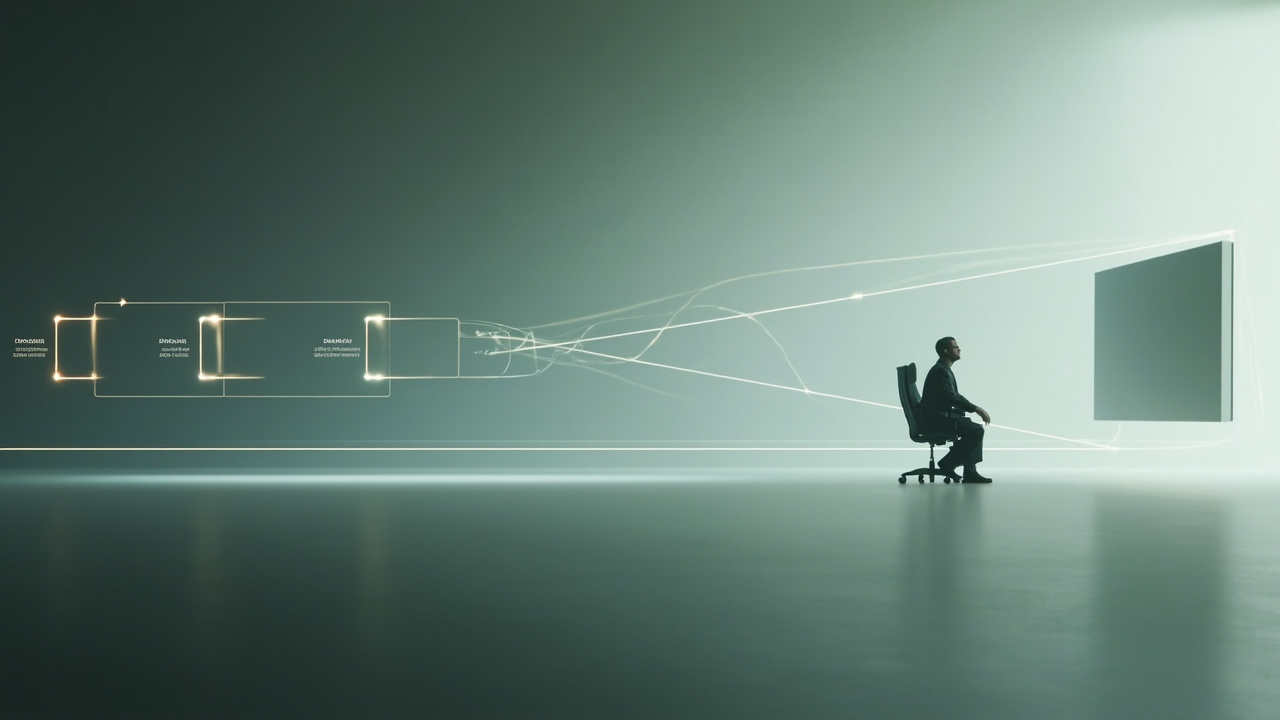
A source pipeline that can output a left/right pair is the prerequisite for a stereoscopic image workflow on a glasses-free 3D display.
Next steps for teams evaluating stereoscopic image workflows
If you are deciding whether stereoscopic images belong in your review workflow, a short, practical sequence is usually enough to reach a decision:
- Audit your current content library and separate true stereo pairs from flat 2D assets.
- Confirm that your source software can export SBS or a left/right file pair at the resolution you need.
- Use the Spatial Display Simulator or the SBS player to preview how a representative stereo image looks on a glasses-free display.
- Run a structured check with the Content-to-3D Path Checker for the format(s) you actually plan to use.
- Match the workflow to a Pro or Essential model with the Display Selector, or send a short brief through Ask Before Ordering if the fit is not obvious.
For related reading on the broader category, see Stereoscopic 3D: Technical Explainer, Stereoscopic 3D Images: Technical Explainer, and the Spatial 3D Display: Technical Explainer.