
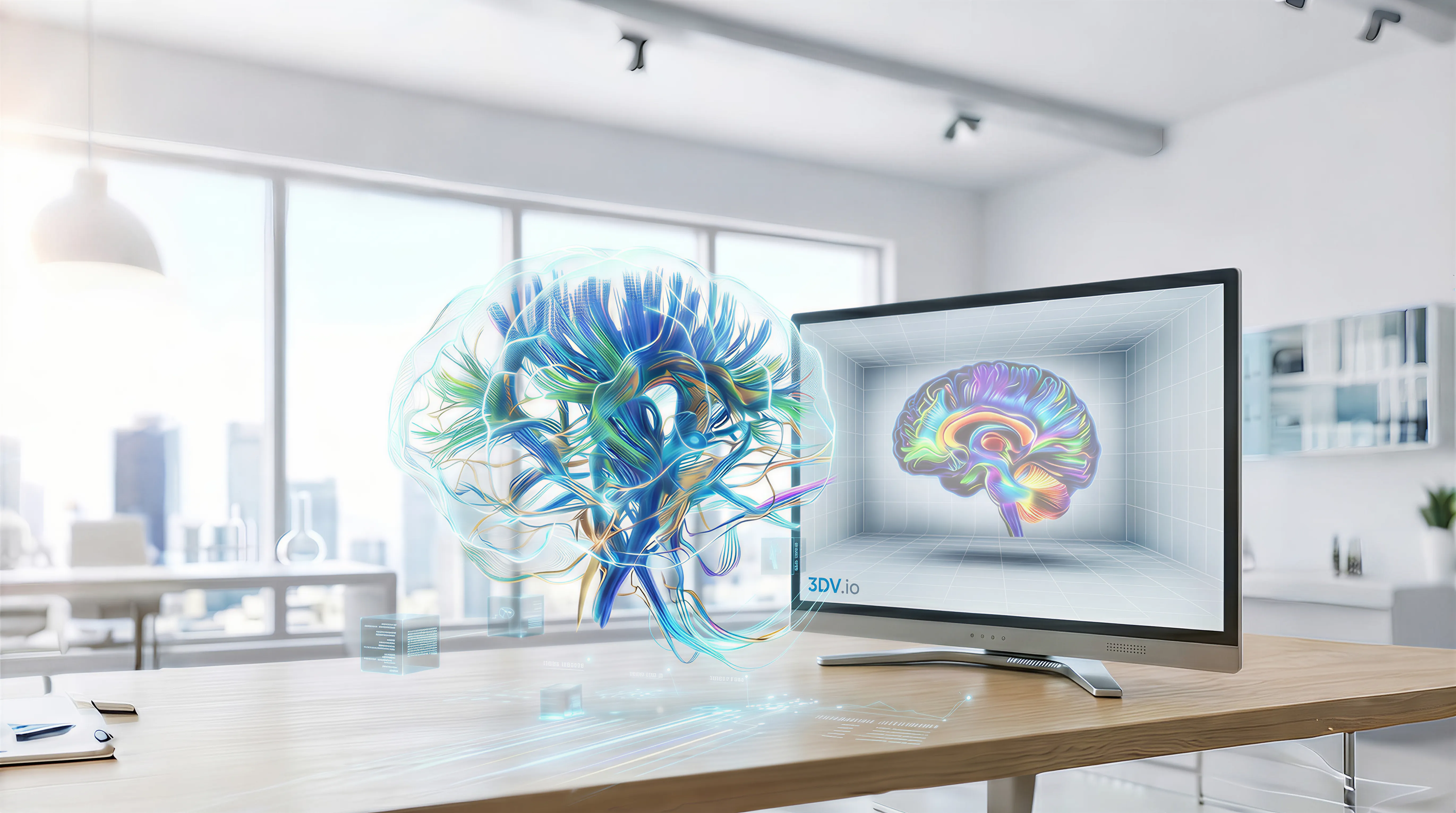
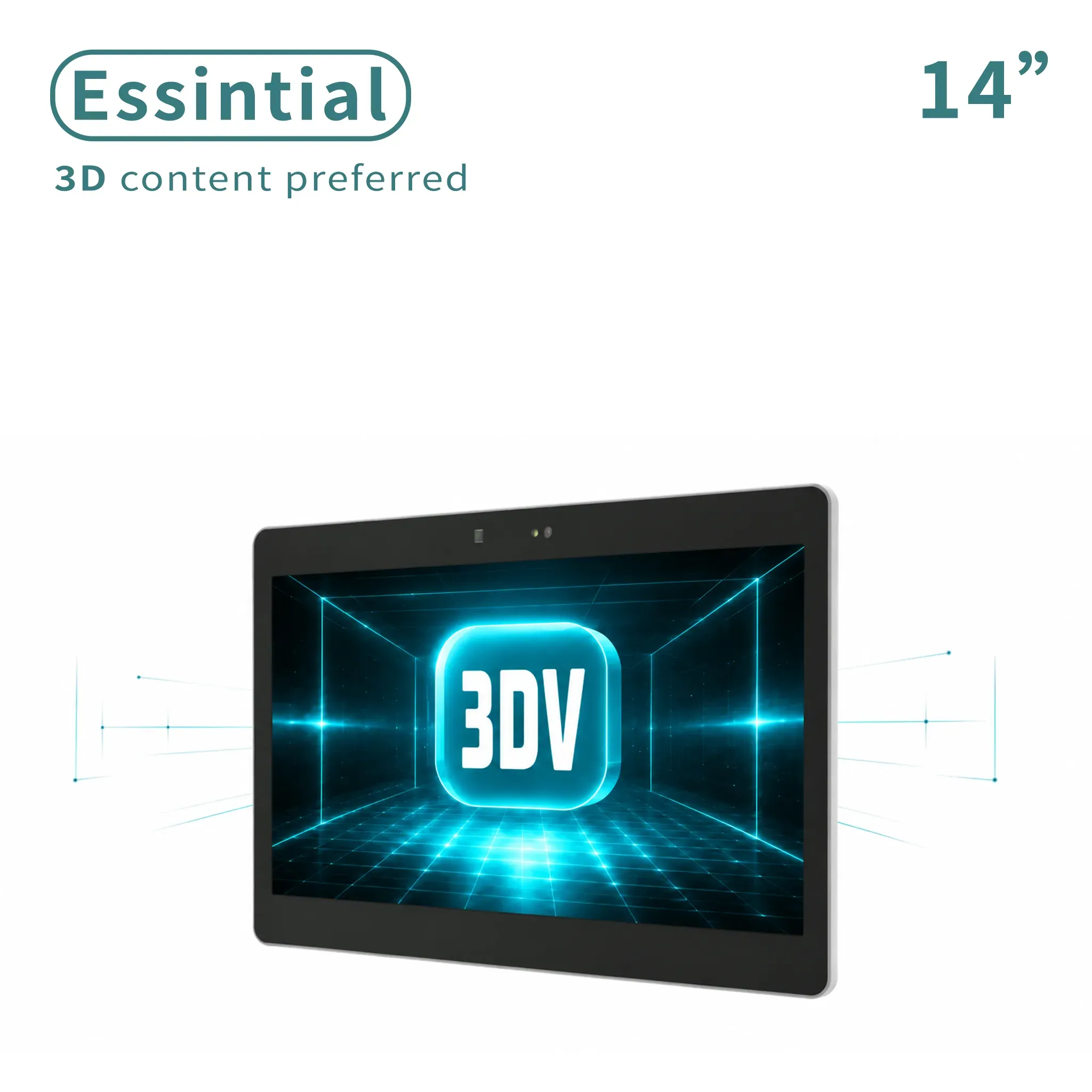
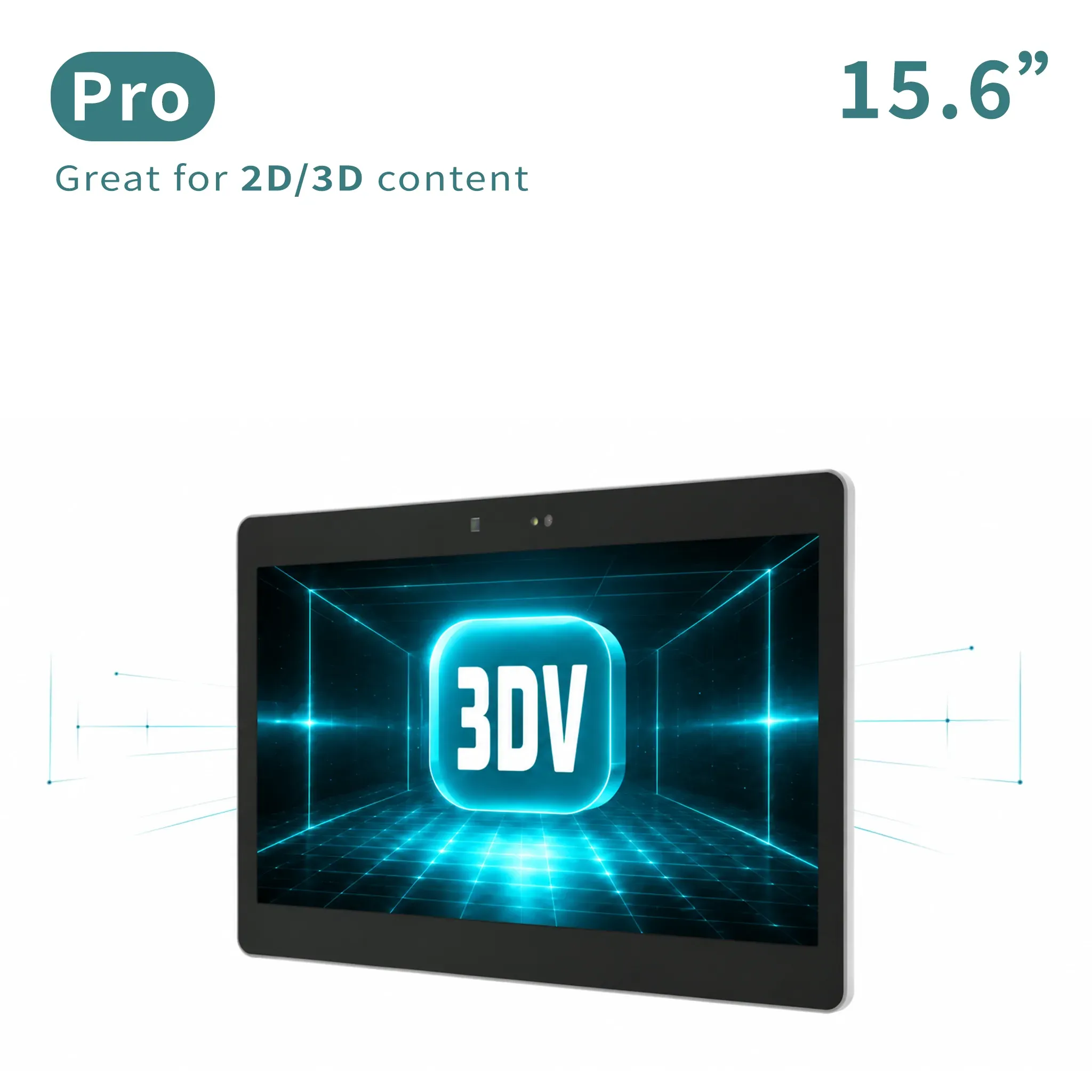
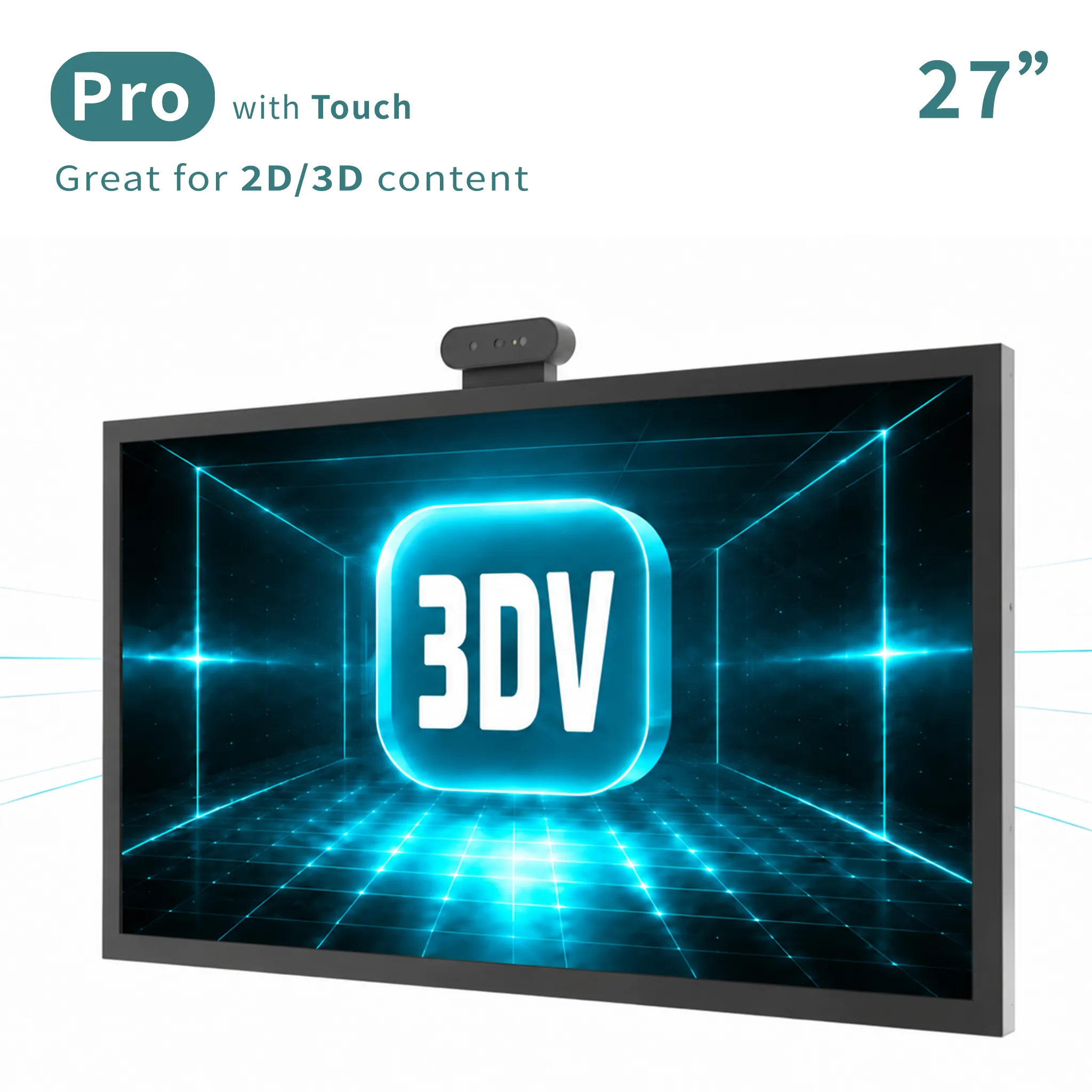
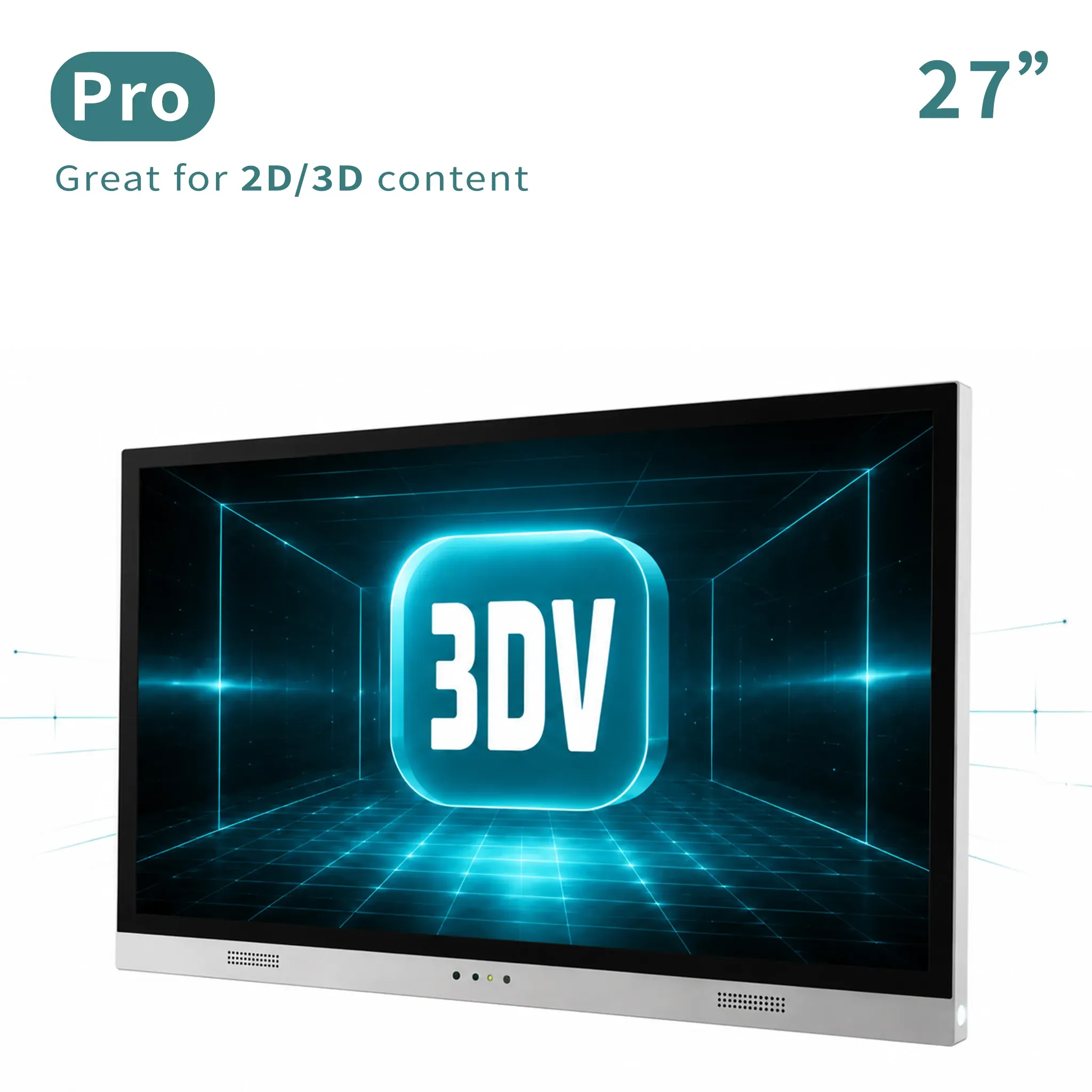
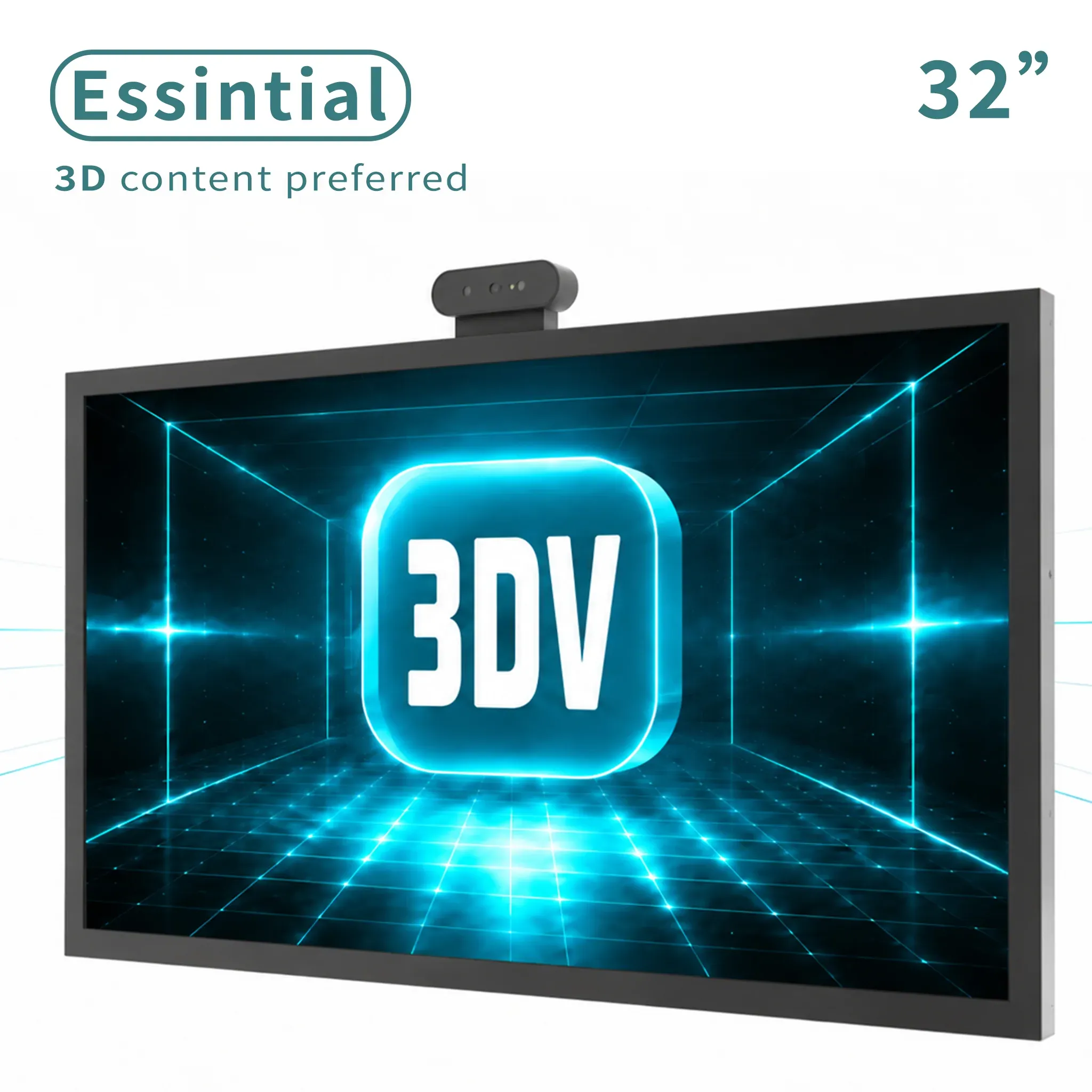
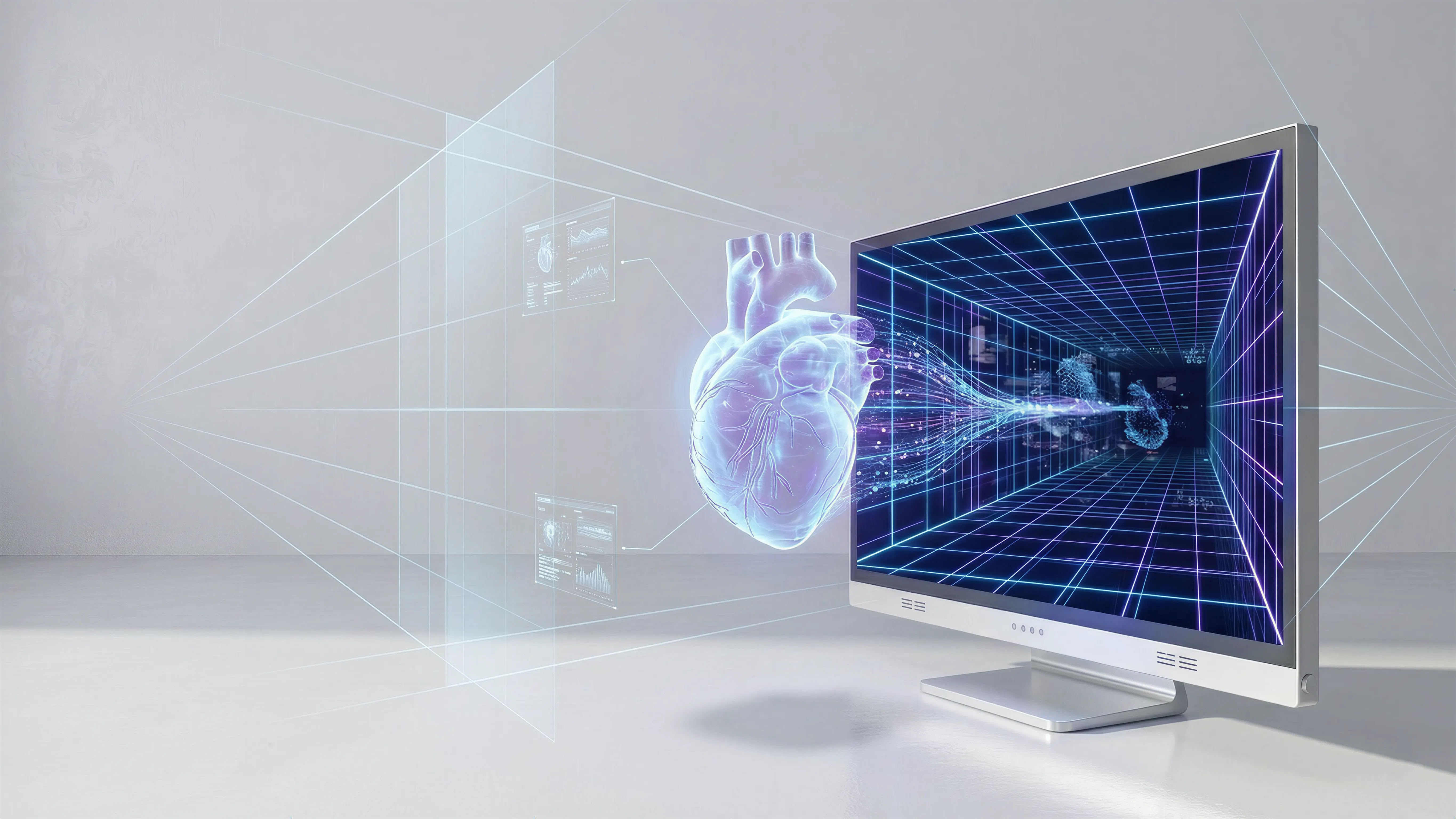
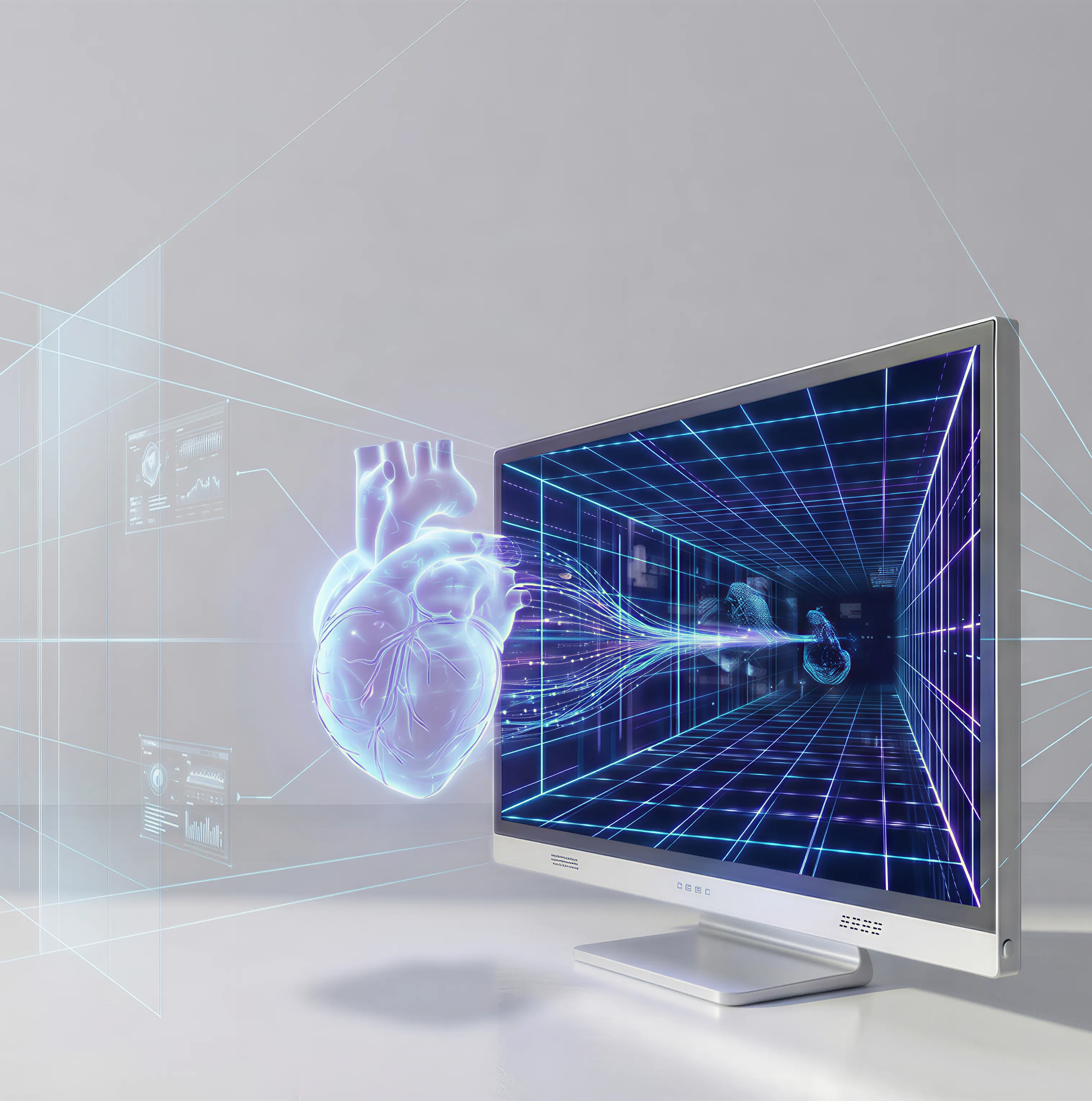




3D Spatial Display showing a floating 3D brain visualization in a bright medical workspace.

Glasses-Free 3D Spatial Display for Medical, Industrial, and 3D CAD Workflows.

3DV Spatial Display is an autostereoscopic 3D display built for surgical visualization, medical imaging presentation, naked-eye microscope review, industrial inspection, and design communication where depth needs to stay readable without glasses.

Use Cases

Where this autostereoscopic display fits best

The strongest search and buying intent today comes from medical, industrial, and design teams that need a glasses-free 3D display for real evaluation work, not novelty demos.

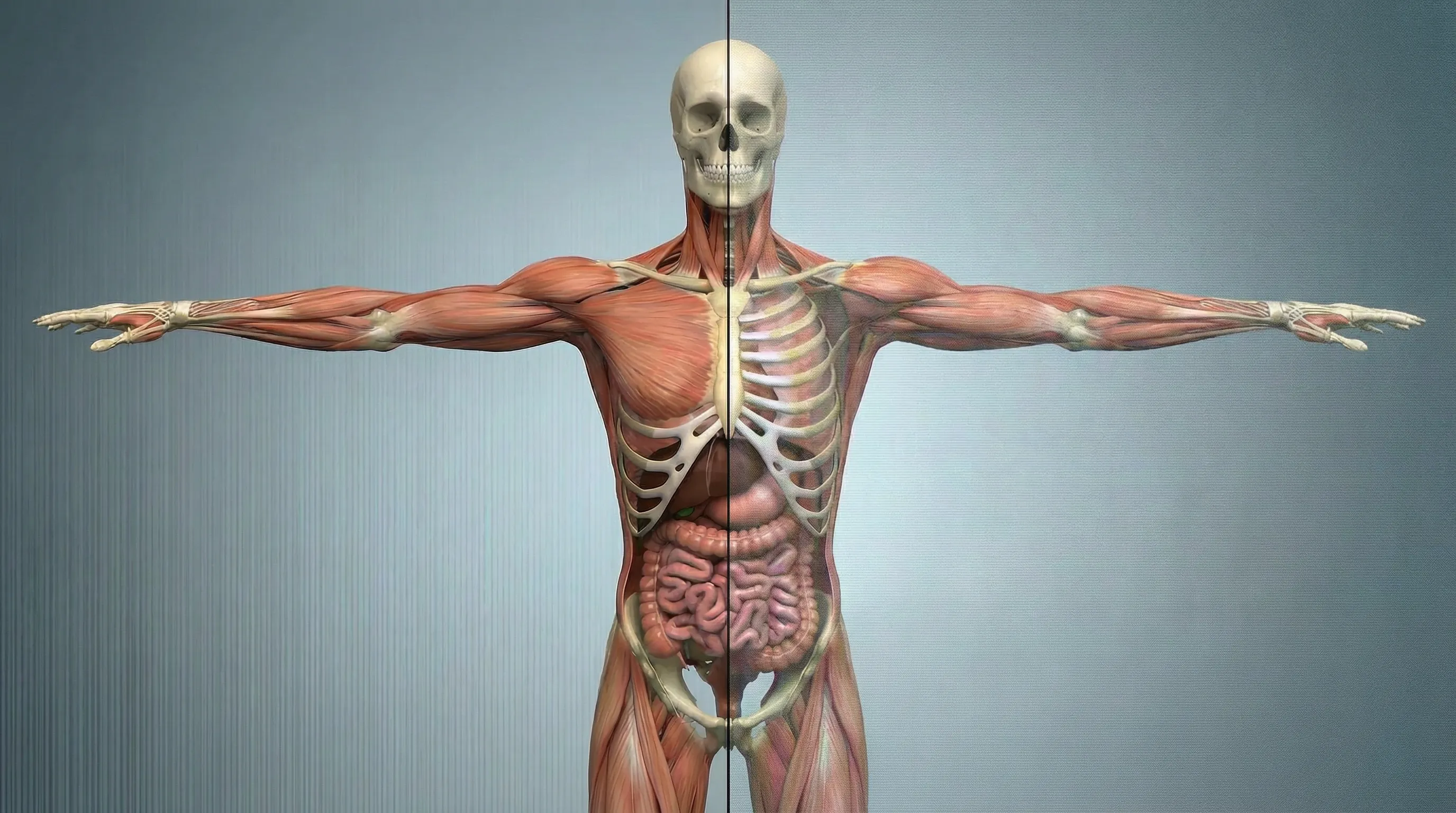
Anatomical model displayed in true 3D, used to explain how real glasses-free 3D preserves depth and structure.

True 3D Experience

Show 3D Content in True 3D on a Real Glasses-Free 3D Display

Spatial Display keeps depth, structure, and form readable in a way flat screens cannot, helping teams interpret anatomy, inspection targets, and design models more naturally.

Preserves depth, volume, and spatial boundaries instead of flattening anatomy, defects, or geometry back into a 2D preview.
Makes medical imaging, industrial inspection, and 3D design review easier to read at a glance.

4K Clarity Comparison

Clearer detail and stronger depth cues make professional 3D review easier to trust

Better clarity and cleaner contrast help the 3D effect feel more natural and easier to read during medical imaging, industrial inspection, and 3D CAD evaluation.

Other Solution

Baseline

Looks flatter, weaker in contrast, and less convincing when fine 3D detail needs to stay readable.

3DV Solution

Recommended

Keeps the scene brighter, cleaner, and more dimensional so detail and depth feel easier to perceive.

Left Side

Other Solution

Right Side

3DV Solution

Comparison showing lower quality on the left for other solutions and stronger visual performance on the right for the 3DV solution.
A person rubbing their eyes in a bright workspace, illustrating reduced eye strain during extended viewing.

Visual Comfort

Designed to address one of the biggest buyer questions: eye strain

A more natural 3D presentation helps reduce the visual strain that can build up when users keep adapting to unstable depth and contrast.

Reduces the visual conflict that often makes prolonged 3D viewing feel tiring.
Helps teams review spatial content for longer with fewer complaints about eye strain and constant refocusing.
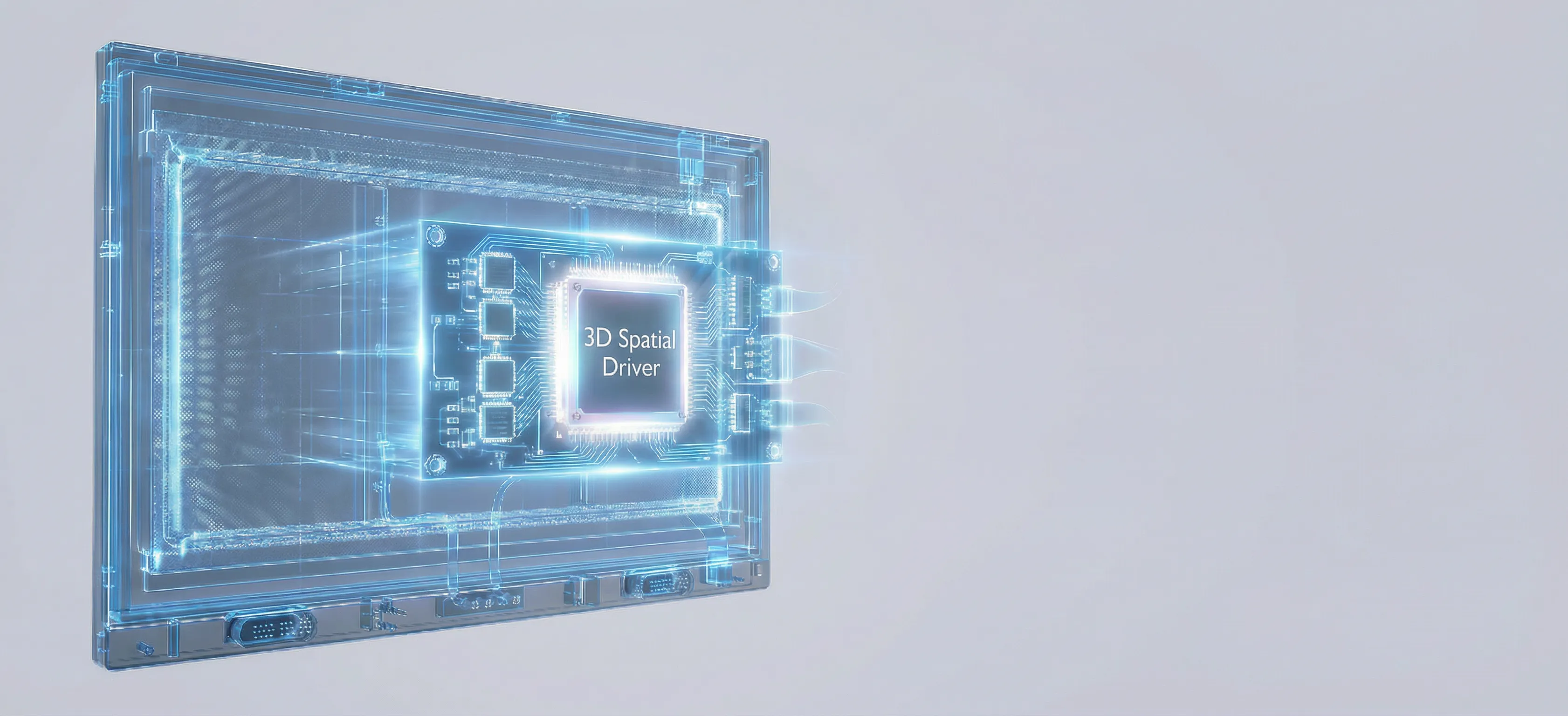
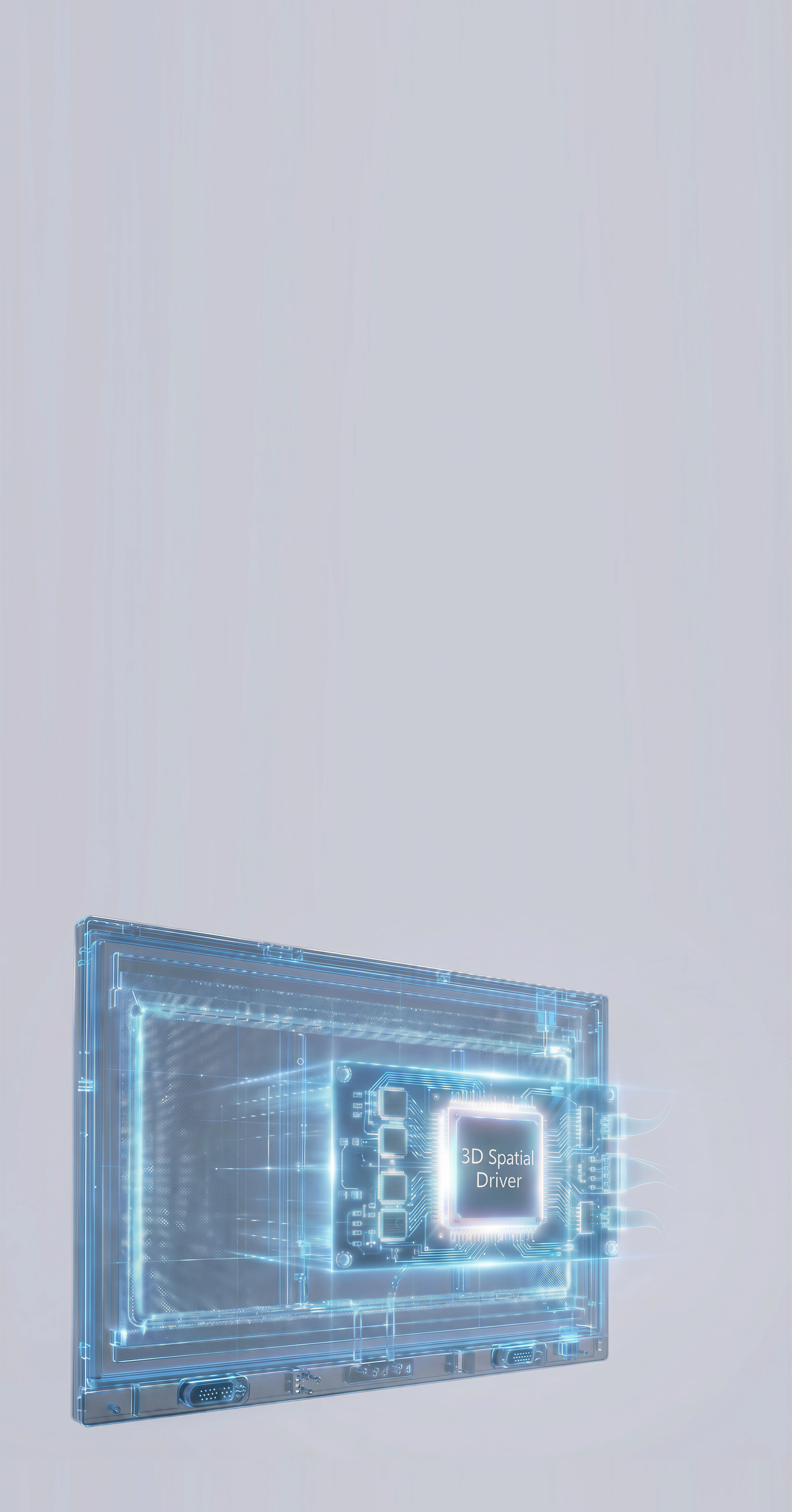
A hologram-style display and chip system representing FPGA-driven 3D processing.

FPGA Powered Engine

Built on a dedicated FPGA pipeline for responsive spatial rendering

The hardware architecture is designed to drive the glasses-free 3D experience with consistent timing, controlled latency, and stable output.

Dedicated processing keeps motion, depth cues, and image response feeling more immediate.
A hardware-driven pipeline supports stable 3D rendering for professional workflows.
A vertical 3D content environment filled with familiar software and model-format icons, showing compatibility with existing 3D assets.

3D Content Support

Supports SBS video, common 3D models, and the content you already have

Bring your existing stereoscopic media and familiar 3D assets into Spatial Display so teams can start with real content immediately.

Supports SBS and other familiar stereoscopic 3D sources teams already have in production.
Works with common 3D model assets so design, medical imaging, and industrial inspection content can be previewed quickly.
Lets buyers start with their own material instead of waiting for a separate custom conversion step.
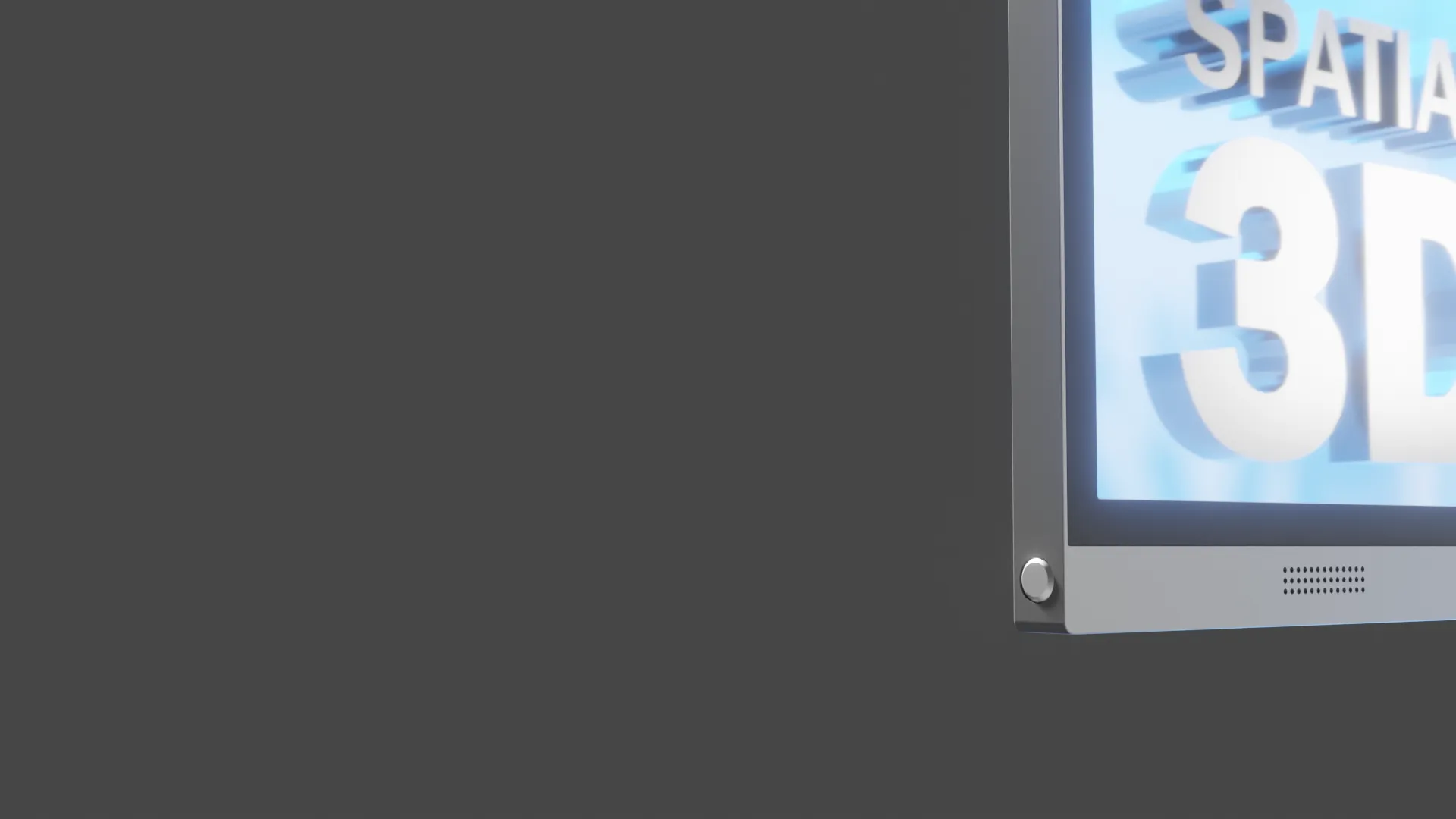
A display close-up showing a 3D control area, representing one-click switching from 2D to immersive 3D mode.

SDK Controlled 3D Switch

One click switches from a 2D screen to glasses-free 3D immersion

Integrate the switching control into your software through the SDK so users can enter 3D mode instantly.

Expose 2D and 3D mode switching directly inside your own software through the SDK.
Give users a one-click control so the workflow can enter immersive viewing exactly when needed.

FAQ

Common questions about glasses-free 3D display buying

These are the questions buyers usually ask before moving from research into demo planning and workflow validation.

What is a glasses-free 3D display?

A glasses-free 3D display is an autostereoscopic display that presents visible depth without requiring the viewer to wear 3D glasses. It is useful when teams need faster shared review of anatomy, defects, or 3D design geometry.

How is this spatial display used in medical imaging workflows?

Medical teams use glasses-free surgical 3D display systems for surgical review, endoscopic presentation, and clinical communication. The main value is making anatomy and instrument relationships easier to explain in front of multiple viewers.

Can a glasses-free 3D display help industrial inspection and NDT?

Yes. For industrial inspection, microscope review, and NDT analysis, a glasses-free 3D display can make depth, surface condition, and structural relationships easier to evaluate than a standard flat screen.

Do autostereoscopic 3D displays cause eye strain?

Eye strain depends on content quality, viewing position, and session length, but a well-tuned autostereoscopic display is designed to reduce the unstable depth cues that often make 3D viewing uncomfortable. Proper content and workflow setup matter.

Next Step

Route your workflow to the right spatial 3D solution

Start with the solution path that matches your search intent and evaluation context, then move into demo planning with the 3DV team.