
Autostereoscopy Glossary: Essential Terms
Autostereoscopy is the presentation of stereoscopic depth without requiring the viewer to wear glasses or a headset. The display directs different image information toward the left and right eyes, and the brain interprets their difference as depth.
This glossary is for quick definitions. For the complete optical and processing chain, read How Glasses-Free 3D Displays Work.
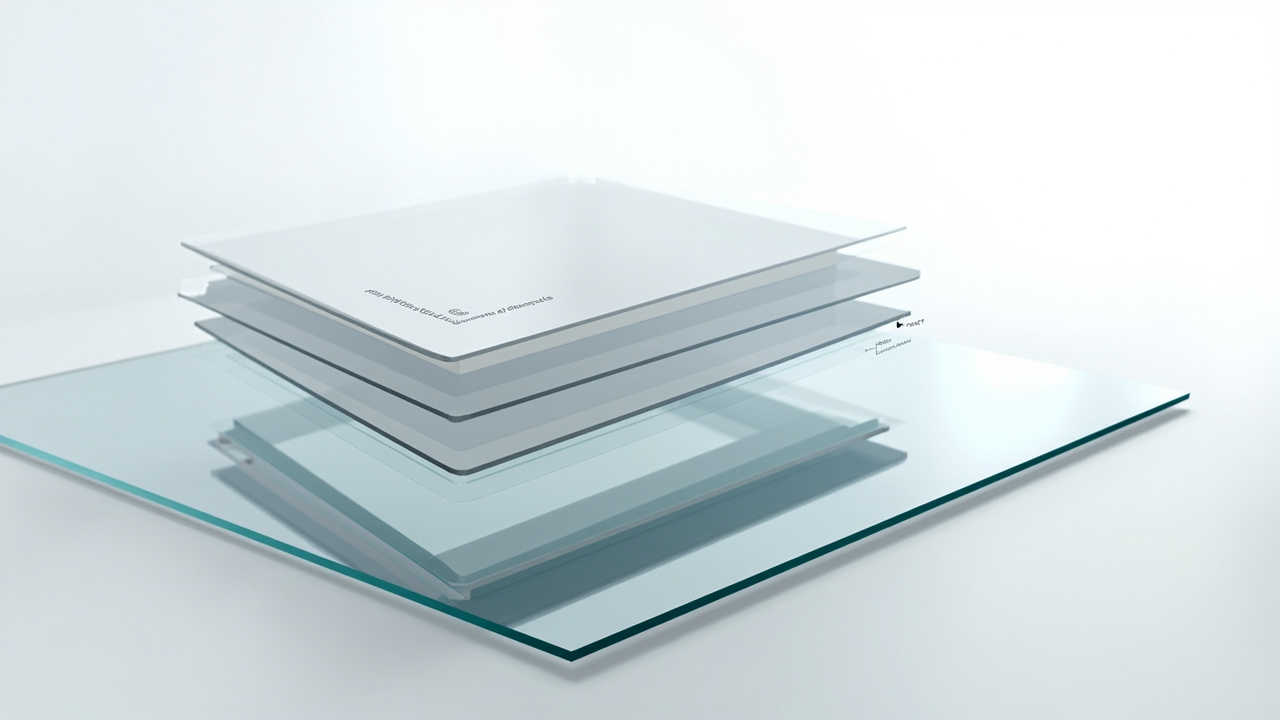
Core display terms
Autostereoscopic display
A screen that creates stereoscopic depth for the unaided eye. Common architectures use a lenticular lens or parallax barrier to direct different views toward different positions.
Glasses-free 3D, naked-eye 3D, and spatial 3D
These phrases often describe the same broad experience: visible depth without worn eyewear. “Autostereoscopic” describes the technical family more precisely. “Spatial 3D” may also describe the professional workflow or product category, so its exact meaning depends on context.
Stereoscopic image
A pair of images representing the same scene from slightly different left-eye and right-eye viewpoints. Stereoscopy is the source of binocular depth; autostereoscopy is one way to deliver that pair.
Binocular disparity
The positional difference between corresponding features in the left and right images. Appropriate disparity produces useful depth. Excessive or inconsistent disparity can make fusion difficult or uncomfortable.
Screen plane, inward depth, and pop-out depth
The screen plane is the perceived zero-depth surface. Inward depth appears behind it; pop-out depth appears in front. Neither direction is automatically better. Stability, readability, and task relevance matter more than maximum depth.
Optical terms
Lenticular lens
An array of narrow lenses placed over the panel to direct selected pixel columns toward different viewing directions. Lenticular design affects resolution allocation, viewing zones, crosstalk, and the number of views a display can deliver.
Parallax barrier
A patterned layer that blocks and passes light so different pixel columns reach different eyes or viewing positions. It can create glasses-free depth, but brightness, resolution use, and viewer-position constraints depend on the implementation. The parallax barrier workflow guide explains when those trade-offs matter.
Optical layer or optical stack
The physical layers that shape how panel light reaches the viewer. The stack may include lenticular optics, barriers, bonding layers, coatings, and the panel itself. Optical alignment is one part of the complete system; content and mapping are also required.
Crosstalk
Unwanted leakage of the left-eye view into the right eye, or the reverse. Viewers may perceive ghost edges, reduced contrast, or unstable depth. Crosstalk can come from optics, mapping, viewer position, content, or several causes together.
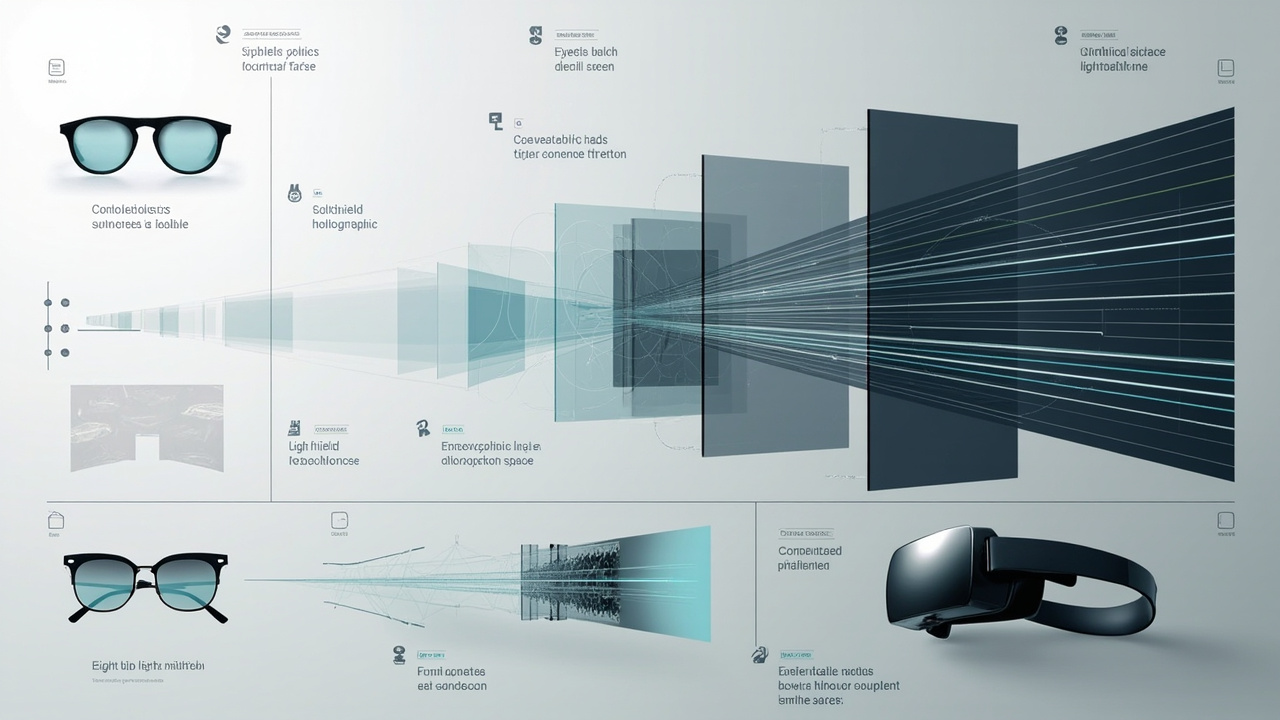
Viewer and tracking terms
Viewing zone
The physical area in which the intended left/right views are delivered correctly. Screen size, optical design, viewing distance, and tracking architecture shape the practical zone.
Sweet spot
A position where the 3D image is clearest and most stable. Fixed-view systems may have narrow sweet spots. A tracked system can move the intended view with the primary viewer, but still operates within a practical range.
Eye tracking
Viewer-position sensing used to estimate where the eyes are relative to the screen. In this context, its purpose is display control, not attention analysis. Position data feeds the mapping process that updates which image information should reach each eye.
Dynamic parallax
The change in the displayed perspective as the tracked viewer moves. Dynamic parallax can make spatial content feel less fragile, provided tracking, processing, optics, and content remain synchronized.
Single-viewer and multi-view
A single-viewer system optimizes delivery for one primary tracked position. A multi-view system presents several views or viewing zones. “Multi-view” does not automatically mean every person receives the same quality from every position; room testing is still necessary.
Image and performance terms
View interlacing or pixel mapping
The process of assigning left/right or multiple source views to panel pixels according to the optical layout and viewer position. Mapping accuracy directly affects separation and perceived stability.
Tracking latency
The delay from viewer movement to an updated display output. The perceived result depends on the complete chain: sensing, estimation, mapping, panel update, and optics. A sensor update-rate number alone does not describe total latency.
Depth budget
The comfortable, readable range of inward and outward disparity planned for a piece of content. A depth budget helps creators avoid sudden or excessive disparity changes between shots or interface elements.
2D/3D switching
The ability to move between ordinary 2D presentation and spatial output. This matters in professional work because text, reports, annotations, and dense interfaces may be better handled in 2D even when the reviewed object benefits from 3D.
Content format terms
Side-by-side (SBS)
A stereo format that places left-eye and right-eye images next to each other in one frame. Full SBS retains a larger per-eye image; half SBS compresses each view horizontally. Eye order and aspect-ratio handling must be correct.
Top-and-bottom or over-under
A stereo format that stacks the two eye views vertically. As with SBS, the player and display path must agree on layout, eye order, and scaling.
Stereo camera pair
Two physical or virtual cameras separated to produce left/right viewpoints. Their alignment, convergence, focal choices, and separation affect depth and comfort.
Stereo-ready content
Content that already contains or can generate a usable left/right pair. A 3D model file is not automatically stereo-ready; it still needs a renderer, player, or application that can create the two views.
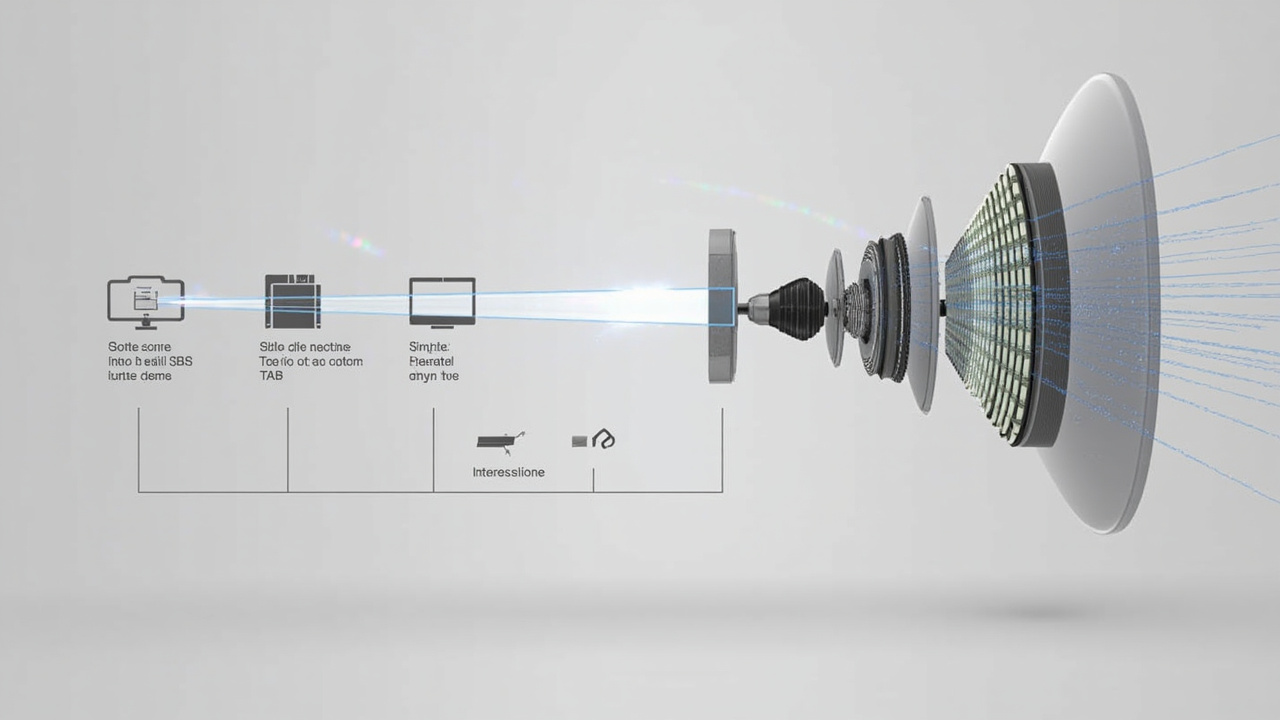
Adjacent technologies
Glasses-based stereoscopic display uses active or passive eyewear to separate the views. VR places separate displays or optical paths close to the eyes for immersion. AR aligns digital information with the physical environment. Light-field, holographic, and volumetric displays use different approaches and should not be treated as interchangeable labels for every glasses-free screen.
When evaluating any term, ask what light reaches each eye, where the viewer can move, what content the system accepts, and what processing occurs between source and panel. For practical file and application questions, continue to the content compatibility guide.