
Product design and CAD review
Form, fit, proportion, and spatial relationships can be reviewed with more direct depth cues than a standard flat display provides.
Solutions / Spatial 3D / Design
Design teams create 3D content every day, yet many important review moments still depend on flat displays that compress form, depth, and proportion into something viewers must mentally reconstruct.
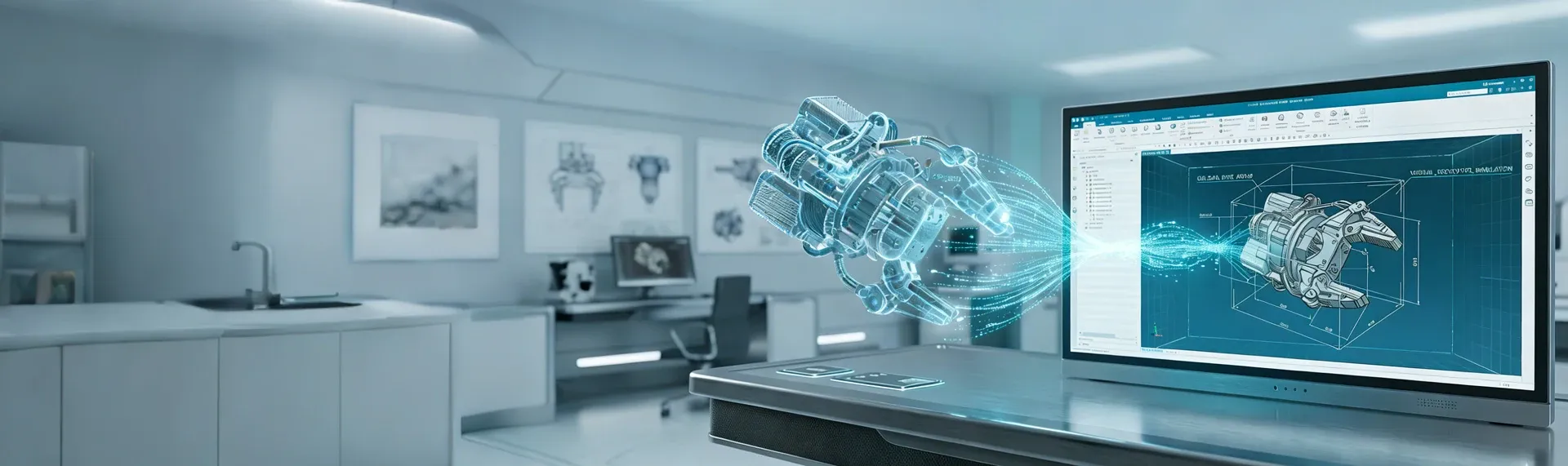
Glasses-free 3D gives design, CAD, and visualization teams a way to review models with visible depth on screen, without moving into a headset workflow. That makes it easier to place an autostereoscopic 3D CAD monitor into everyday design discussion, comparison, and signoff.
Common Uses
Form, fit, proportion, and spatial relationships can be reviewed with more direct depth cues than a standard flat display provides.
Silhouette, massing, pose, layering, and depth can be checked during concept, content, and visualization work when image reading speed matters.
Volume, layout, circulation, and spatial intent can be shown more clearly in internal reviews or external presentations.
Teams can align earlier around shape, placement, and spatial tradeoffs before issues become expensive in later stages.
Concepts are easier to explain when the screen itself communicates depth, making presentation more persuasive and easier to follow.
Shared understanding improves across design, engineering, marketing, and decision-making discussions when 3D work is easier to read together.
Detailed View
The strongest fit is usually a review step where teams already have solid 3D content, but still lose time because spatial intent is hard to judge, hard to compare, or hard to explain on a conventional display.
When teams are reviewing surfaces, curvature, relative depth, or the relationship between components, a spatial display can make issues easier to notice before the conversation moves forward.
Design review is often a group activity. Industrial design, engineering, visualization, and stakeholders all need a common understanding, so a display that improves shared interpretation can reduce review friction.
Not every review moment justifies immersive hardware. Glasses-free 3D is useful when teams want more spatial clarity than a flat monitor offers, but still need a desk-friendly, presentation-friendly workflow.
Why Teams Evaluate It
What Good Deployment Starts With
Primary use
Start with the review step that creates the most friction today: concept review, technical review, presentation, comparison, or signoff.
Software path
Confirm how CAD, modeling, rendering, or visualization output reaches the display in the current workflow, and which tools or export steps matter most.
Workstation fit
Check desk position, viewing distance, lighting, and whether the display is used primarily for individual review, team discussion, or presentation.
Review goal
Define the concrete goal of the evaluation: faster iteration, clearer signoff, better presentation quality, or fewer misunderstandings between teams.
Next Step
Start with the design workflow where depth, proportion, or spatial intent is hardest to judge on a flat display. Then test the setup with your own models, your own software path, and the teams who need to review together.
Talk to sales
Share your basic contact details and 3DV will follow up with the right demo or evaluation path.
Required: name, company, and business email. Everything else can wait until the sales reply.
Thanks - your request has been sent.
A 3DV sales specialist will reply with the right next step.