
Spatial 3D Display Free: Technical Explainer
Buyers searching for a spatial 3D display free option usually want one of three things: a free tier, an evaluation or demo unit, or simply an explanation of how a glasses-free spatial 3D display works before they commit to one. This explainer treats all three readings at once, focusing on the professional, deployment-side context that 3DV supports with its autostereoscopic Spatial Display line.
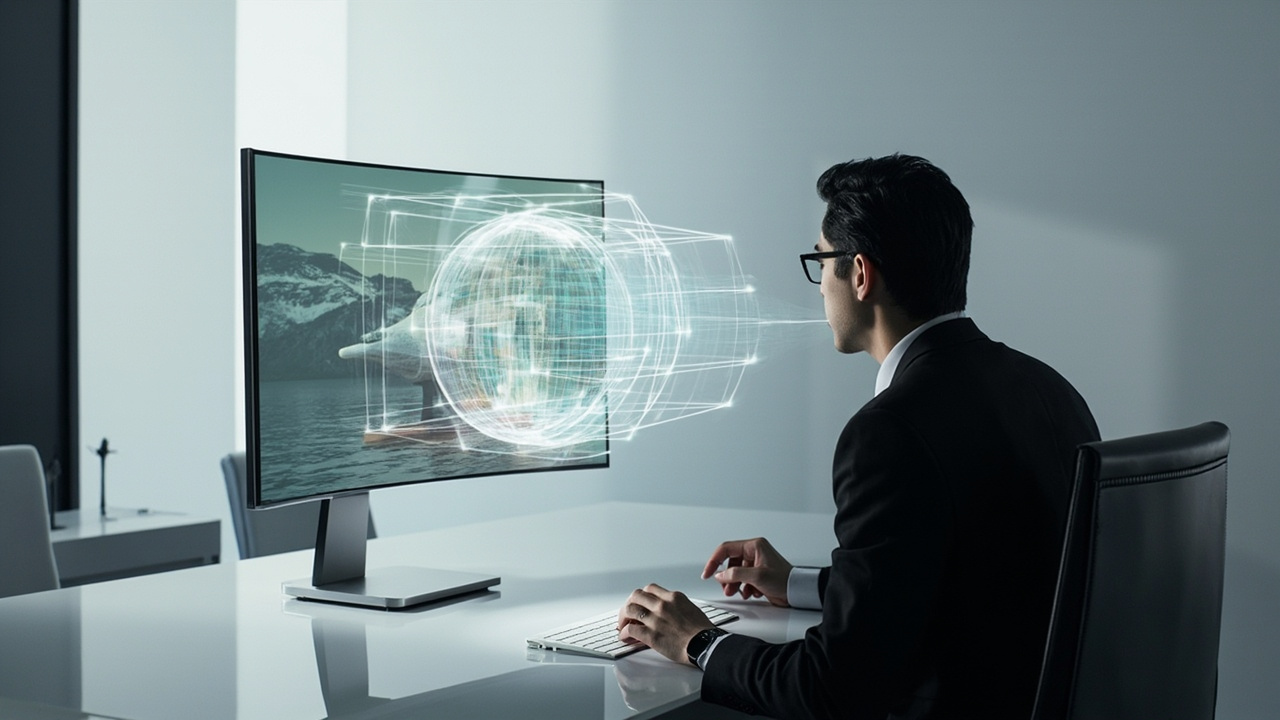
Glasses-free spatial 3D displays deliver depth to a seated viewer without VR headsets or 3D glasses.
What “Spatial 3D Display Free” Usually Refers To
The phrase spatial 3D display free is ambiguous in search traffic. In most professional inquiries it maps to one of these intents:
- Free of glasses: a glasses-free 3D display, also called an autostereoscopic display. Viewers perceive depth without VR headsets, polarized eyewear, or shutter glasses. This is the dominant intent.
- Free demo / free trial: a request to evaluate a Spatial Display unit before purchase, often through a sales-led demo, a sample content session, or a short pilot deployment.
- Free software or content: a question about whether compatible viewers, plugins, or sample 3D assets can be used without an extra license on top of the display hardware.
For 3DV buyers, the free of glasses reading is the one with the clearest product fit. The 3DV Spatial Display family is built on eye-tracked autostereoscopic architecture, so “free” in this context means free of eyewear, not free of cost. A professional autostereoscopic display is a commercial system, not a downloadable utility, so no supported 3DV Spatial Display models are positioned as free hardware tiers. Buyers who are explicitly shopping for a no-cost consumer display should be redirected to a different category, such as a standard 2D monitor or a smartphone 3D mode.
How Glasses-Free Spatial Displays Work
A glasses-free 3D display, also written as autostereoscopic or spatial 3D, presents separate left-eye and right-eye views through an optical layer on the panel rather than through eyewear. 3DV Spatial Displays combine three building blocks:
- Eye tracking: structured-light sensors locate the viewer’s eyes in real time, so the display always renders for the correct viewing position.
- Display-side processing: FPGA-based hardware reconstructs and maps stereo views at frame rate, which keeps latency in the monitor-like range rather than the headset range.
- Optical layer: depending on the model, a microlens array or lenticular layer directs the left and right sub-views toward the correct eye.
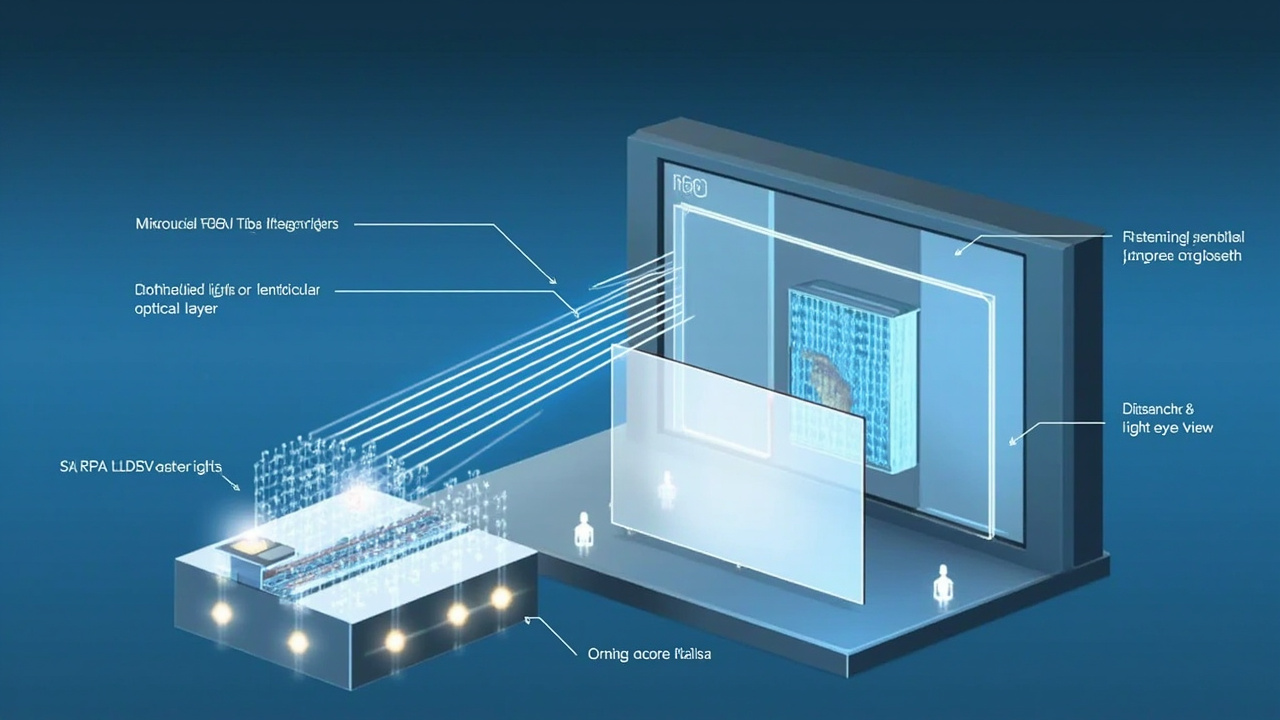
Eye-tracked autostereoscopic displays combine structured-light tracking, display-side processing, and a microlens or lenticular layer to send separate views to each eye.
In practical terms this means depth is delivered to a seated viewer across a normal viewing distance, not a headset faceplate. 3DV Spatial Displays are positioned as non-touch monitors, so interaction happens through standard peripherals and the host PC, not on the panel itself. For an expanded glossary, see the Autostereoscopy: Technical Explainer and the Spatial 3D Display: Technical Explainer.
Free vs Trial vs Demo: What Buyers Should Expect
Because “free” is often misused in this category, it helps to separate the realistic procurement options. The /learn/spatial-3d collection documents the technology, while purchase and evaluation paths live in the broader 3DV site.
Glasses-free evaluation path
- A buyer-facing demo session using prepared stereo content, walk-through of compatible formats, and answer questions on viewing distance, room lighting, and content pipeline.
- Useful when the intent is try the technology rather than buy a specific SKU today.
Sample content session
- Buyers can already confirm whether their own content streams to a Spatial Display via the Compatibility Checker. This is the fastest no-cost step before requesting a demo.
Purchased unit with optional pre-sales support
- A Spatial Display is a commercial product purchased from shop.3dv.io or via official sales. There is no supported free hardware tier in the current lineup.
- Pre-sales support is available through Ask Before Ordering so buyers can clarify fit before commit.
For terminology context, the Stereoscopic 3D Display: Technical Explainer helps separate stereoscopic (two-view) workflows from autostereoscopic (glasses-free) ones, since buyers searching spatial 3D display free frequently cross-search the two.
Workflow Fit: Content, Rooms, and Roles
Once “free” is clarified as glasses-free, the next question is whether a Spatial Display fits the buyer’s room, content, and role. 3DV splits the model line into two series, each tuned to a different buyer fit.
Pro series
- 15.6 inch Pro for portable mixed 2D / 3D workstation use, where the same display is shared between normal office work and dedicated 3D review.
- 27 inch Pro for a main professional review station on a desk, with 2D / 3D switching as a daily habit rather than an exception.
Essential series
- 14 inch Essential for compact demos and dedicated 3D review setups where space is limited.
- 32 inch Essential for a large dedicated 3D room, lab, showroom, or classroom where multiple seated viewers are expected.
Pro models fit mixed 2D and 3D workstations, while Essential models fit dedicated 3D rooms, showrooms, or shared observation spaces.
The relevant workflow-fit questions for buyers are consistent across both series:
- Can the source software output SBS side-by-side, stereo camera pairs, or a 3D-ready viewport? If yes, the Spatial Display is in its primary fit.
- Will the display live on a single-viewer desk or be viewed by two or three seated colleagues in turn? If multiple, Essential 32” is the closest fit in the current lineup.
- Is the host PC able to feed the panel at the required resolution and refresh rate, including stereo output? 3DV documents host requirements at the pre-sales stage.
- Is the workspace monitor-distance rather than arm-distance? Spatial Displays are designed to stay at a normal seated viewing distance and should not be mounted like a headset or a touchscreen kiosk.
Requirements Before You Start
A serious glasses-free 3D deployment requires more than the panel. The following items should be confirmed before commit, independent of any “free” assumption:
- Content source: a confirmed stereo or 3D-ready pipeline such as SBS video, CAD with stereo output, DICOM or CT exports with depth, Unity or WebGL stereo output, or a prepared sample reel.
- Host PC: a workstation class machine that can drive the panel at the panel’s native resolution with stereo output enabled.
- Room setup: a seated viewing setup with stable lighting, a chair at the recommended viewing distance, and a desk that can hold the panel and host without vibration.
- Content compatibility check: a run-through of the buyer’s actual files on a real Spatial Display before any final purchase decision. The Compatibility Checker supports this stage.
- Support contact: a clear owner on the buyer side and access to the Ask Before Ordering route, especially when switching between Pro and Essential.
Limits Buyers Should Know
Autostereoscopic Spatial Displays are intentionally not a universal replacement for every display category. The following limits are part of the product design, not defects, and should be expected by any professional buyer:
- Current Spatial Display models are non-touch. Touch workflows belong to the separate Interactive Technology line and should not be assumed on a Spatial Display.
- Each model is tuned for a single primary viewer at a time. Multi-viewer scenarios fall back to sequential viewing rather than simultaneous multi-user depth.
- Best depth perception depends on the viewer staying inside the eye-tracked viewing zone. Departing from the recommended seat position reduces or removes the 3D effect.
- A Spatial Display depends on stereo or 3D-ready source content. Ordinary 2D sources are displayed in 2D, which is useful for shared workflows on Pro models but does not unlock depth on its own.
- “Free” in this category means free of glasses, not free of cost. Buyers who need a zero-cost product should be steered toward a standard 2D monitor or a pre-existing tablet, not a Spatial Display.
Next Steps with 3DV
The cleanest buyer path for readers who came in through the spatial 3D display free search is:
- Run the user’s own content through the Compatibility Checker to confirm that the format pipeline outputs SBS or another stereo-friendly stream.
- Compare the 14” Essential, 15.6” Pro, 27” Pro, and 32” Essential against room size and viewer count, using the Pro vs Essential split above.
- Use Ask Before Ordering to clarify any remaining fit questions before talking to sales.
- Request a demo when the pre-sales checks are positive, so the demo focuses on confirmed fit rather than discovery.
This sequence keeps the buyer’s evaluation grounded in real content and real room conditions, which is the same approach 3DV uses internally when qualifying glasses-free spatial 3D deployments.