
Which 3D Does Not Require Glasses?
Autostereoscopic 3D does not require the viewer to wear glasses. A directional optical layer on the display sends different image information toward the left and right eyes. “Glasses-free 3D,” “naked-eye 3D,” and some uses of “spatial 3D” commonly refer to this display family.
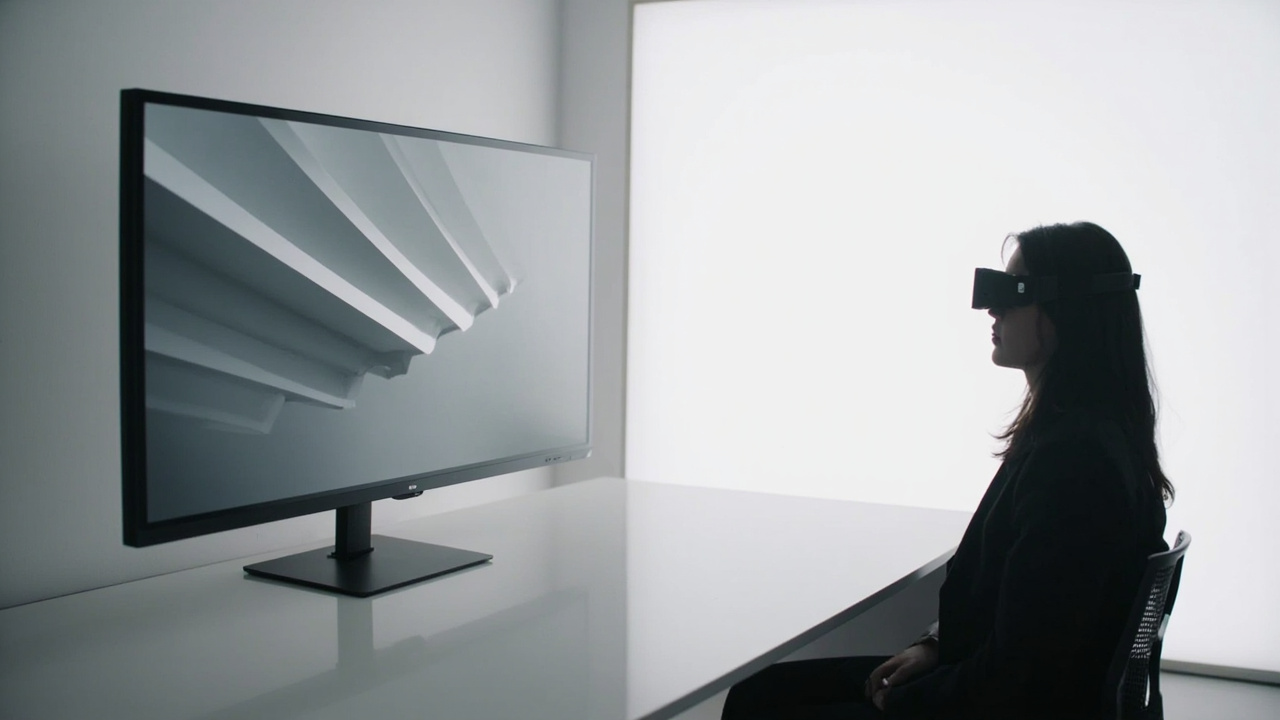
The main glasses-free approaches
Lenticular display
A lens array over the panel directs selected pixel columns toward different positions. Lenticular systems may provide fixed multiple views or work with viewer tracking and dynamic mapping. Evaluate per-eye detail, crosstalk, viewing range, and optical alignment.
Parallax barrier display
A patterned barrier blocks and passes light so the eyes receive different pixel sets. It can be compact and effective in a controlled position, but brightness, viewing zones, and resolution use require careful testing. See the parallax barrier guide for the architecture-specific trade-offs.
Eye-tracked autostereoscopic display
A sensor estimates the primary viewer’s eye position and the display updates its pixel mapping. Tracking makes normal posture changes easier than in a fixed sweet spot, but it does not remove the practical viewing zone or guarantee equivalent 3D for a large group.
Fixed multi-view display
The screen emits several views toward several zones without following one viewer. This can support more positions, but the available panel detail is shared among views, and moving between zones may reveal transitions or view reversal.
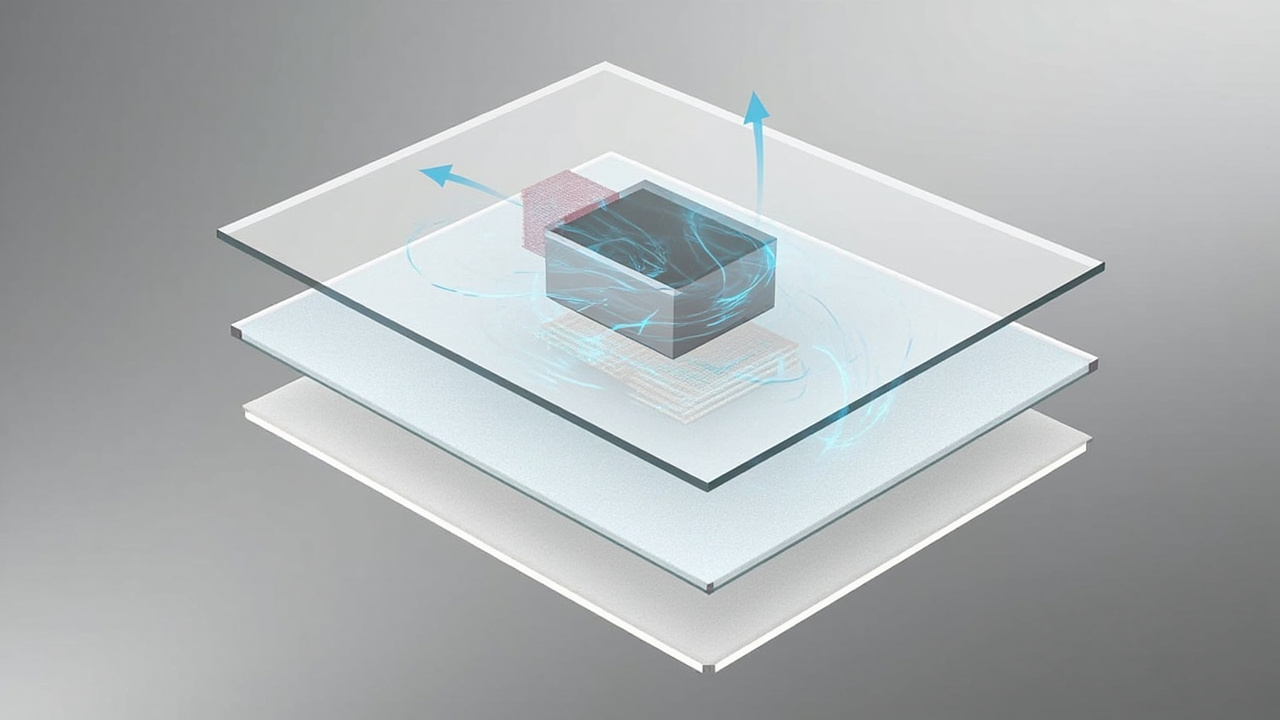
Technologies that are related but not the same
| Technology | Glasses required? | Distinguishing feature |
|---|---|---|
| active/passive stereoscopic screen | yes | eyewear separates left/right views |
| VR headset | worn headset | separate near-eye displays and immersive tracking |
| autostereoscopic display | no | screen optics direct views toward the unaided eyes |
| light-field display | often no | aims to reproduce a richer set of directional rays or views |
| volumetric display | no in many designs | image occupies or is swept through a physical volume |
| holographic display | depends on implementation | reconstructs a light wavefront rather than using only a stereo pair |
These labels are not interchangeable. A product called “holographic” in marketing material may use a different technical method, so ask how views are generated and delivered.
Glasses-free does not mean content-free
Autostereoscopic hardware still needs spatial information. Common paths include SBS video, a stereo camera feed, a real-time application that renders two views, or a player that turns a 3D scene into supported output. An ordinary 2D image remains flat unless a separate conversion process is used and validated.
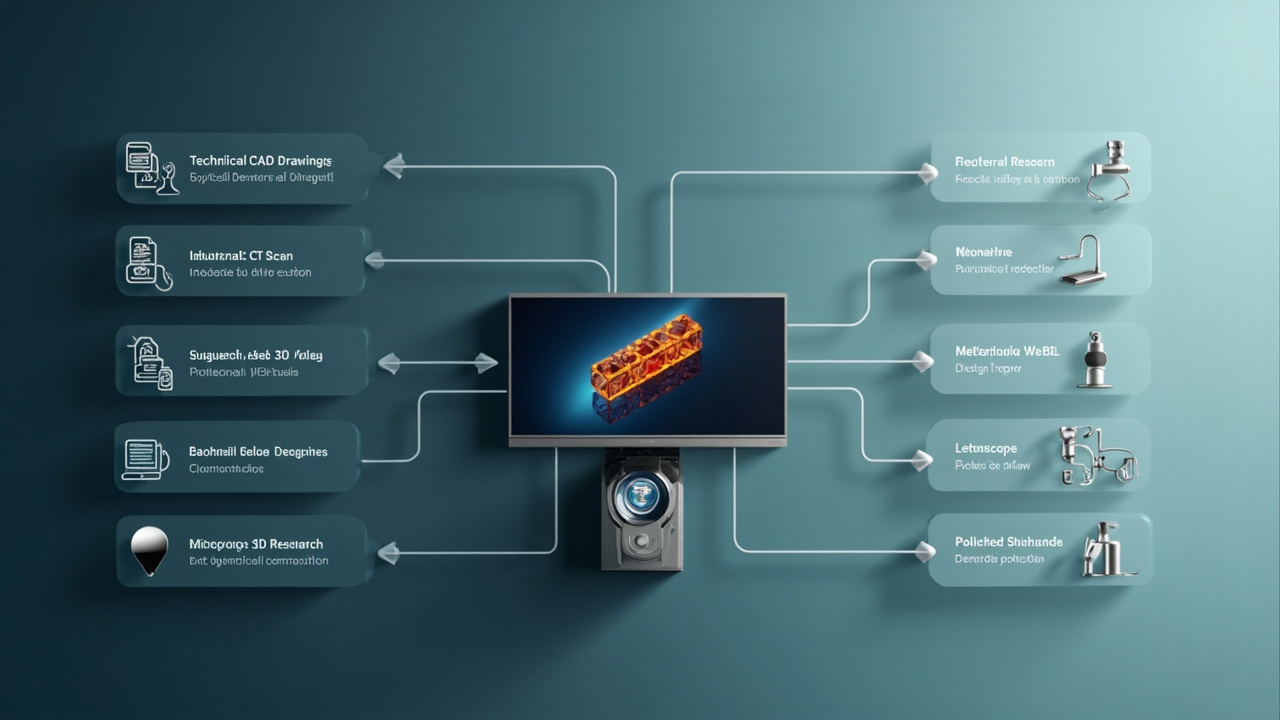
Four questions identify the useful category
- Who needs to see it? One tracked operator, several seated viewers, or a moving public audience?
- What supplies the depth? Stereo video, a 3D application, binocular capture, or an unverified 2D source?
- How will people interact? Shared-screen discussion, immersive navigation, physical-world overlay, or passive presentation?
- What room constraints apply? Viewing distance, light, screen size, posture, and 2D fallback?
If the answer is a primary viewer, stereo-ready content, normal screen interaction, and a controllable workstation, an eye-tracked autostereoscopic display may be appropriate. For the full mechanism, continue to How Glasses-Free 3D Displays Work. For a category go/no-go decision, use the naked-eye 3D primer.