
Naked-Eye 3D: A Go/No-Go Decision Primer
Naked-eye 3D is worth evaluating when a team needs to see depth on a monitor-style screen, wants to keep normal face-to-face interaction, and already has—or can create—stereo-ready content. It is usually a poor fit when the task needs full immersion, a large unstructured audience, touch-first interaction, or automatic depth from ordinary 2D files.
This is a category decision, not a model comparison. “Naked-eye 3D,” “glasses-free 3D,” and “autostereoscopic display” commonly refer to the same broad display family.
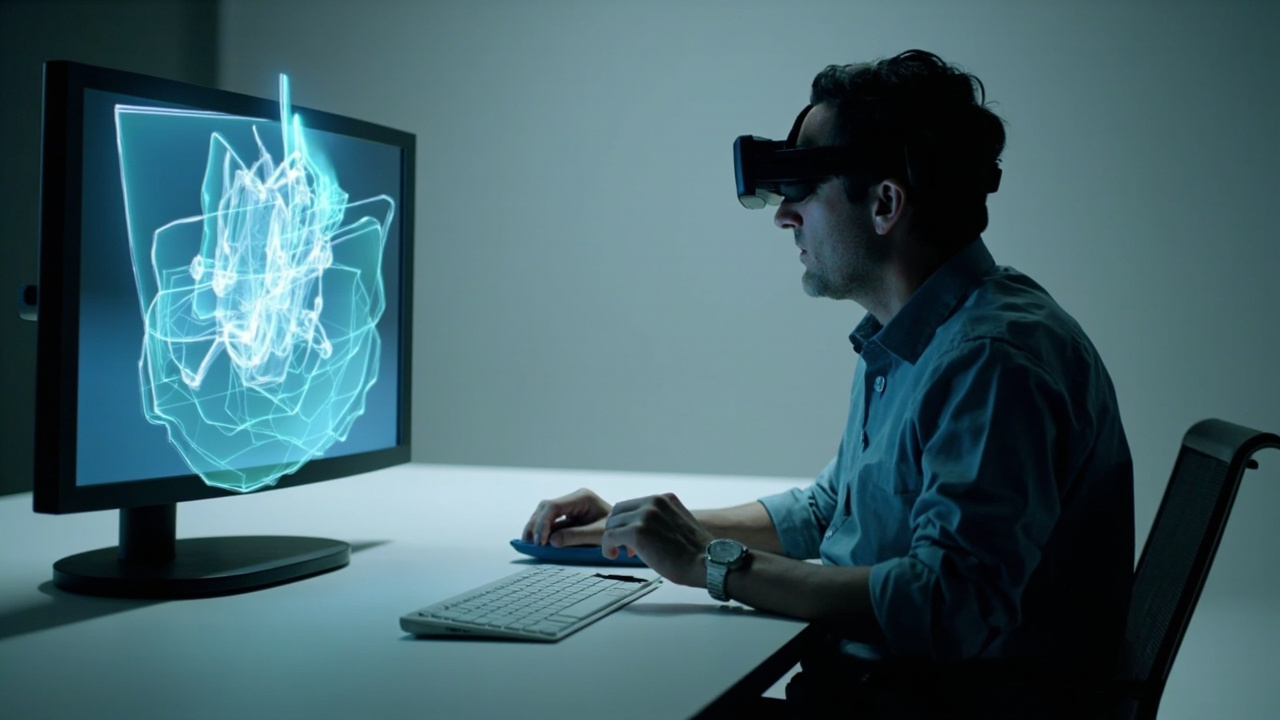
1. Does the task benefit from binocular depth?
Start with the decision people make while looking at the content. Depth may be relevant when users inspect layered geometry, compare front-to-back relationships, review a reconstructed volume, discuss a CAD assembly, or teach spatial structure.
If the primary task is reading text, entering data, examining a flat photograph, or presenting ordinary video, the 3D mode may add little value. A display should not be purchased simply because the source file is called “3D.” Confirm that the review question depends on spatial relationships.
2. Is a shared screen preferable to worn equipment?
Naked-eye 3D preserves a familiar screen workflow. The operator can see colleagues, notes, controls, and the surrounding room. That is useful for short review sessions, side-by-side discussion, teaching, demonstrations, and workstations that move repeatedly between 2D and 3D.
Choose another category when the task depends on immersion, head-tracked navigation through a scene, controllers, or alignment with physical objects. The glasses-free 3D vs VR/AR framework compares those interaction models directly.
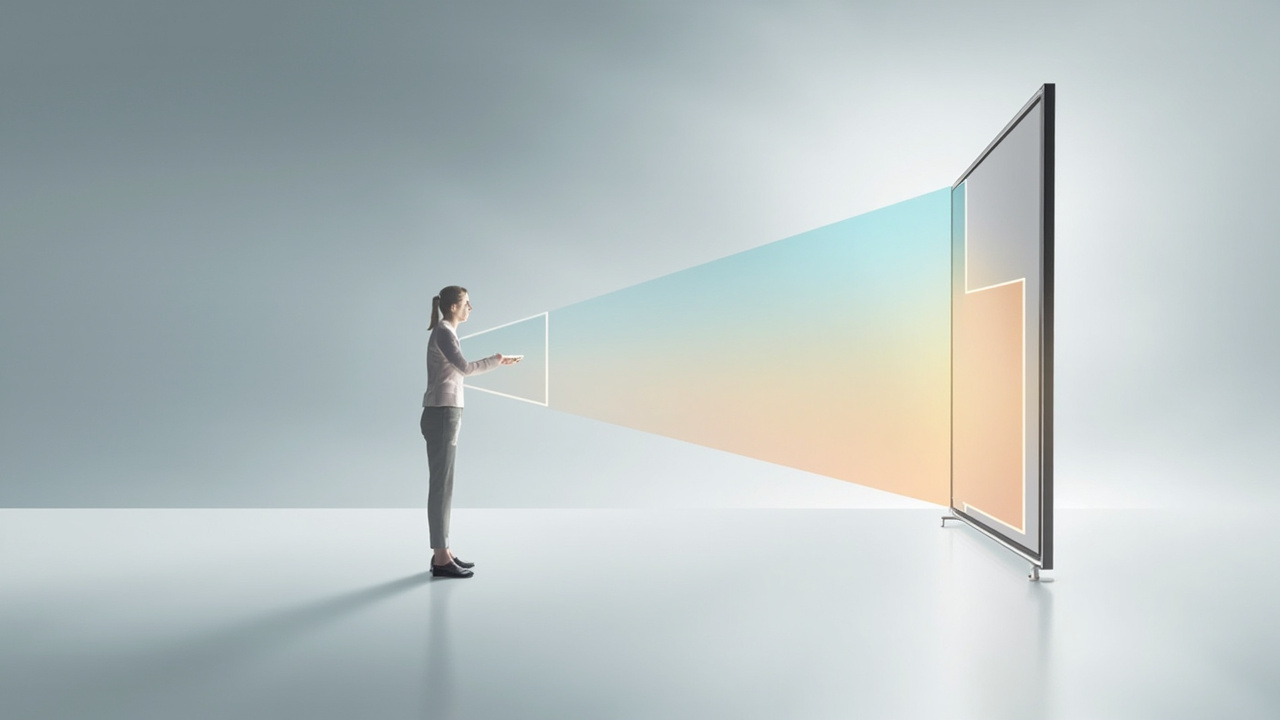
3. Can the content produce two usable views?
A naked-eye display needs spatial information. A practical source might be SBS stereo video, a real-time application with stereo output, a supported 3D player, binocular camera media, or specialist software that produces a left/right view pair.
Use these signals:
| Signal | Decision |
|---|---|
| A representative stereo file or application already exists | proceed to a display test |
| A 3D model exists but no stereo output path is known | validate the player or renderer first |
| Only ordinary 2D media is available | do not assume automatic conversion |
| The workflow depends on proprietary software | obtain a compatibility demonstration with that exact version |
The content compatibility guide explains these paths in more detail.
4. Can the room support a primary viewing position?
Glasses-free does not mean position-free. The optics direct different information toward different locations, and tracked systems still operate within a practical viewing zone.
A go signal is a stable desk, bench, podium, or review position with controllable distance and lighting. A caution signal is an audience that moves unpredictably across a large room and expects identical 3D from every angle. In that case, define a primary reviewer, use a 2D companion view, or evaluate a different display architecture.
5. Will the screen also carry everyday 2D work?
Some teams want one main monitor for applications, reports, and 3D review. Others want a dedicated spatial screen beside an existing workstation. This distinction changes the appropriate product and budget.
Test the exact 2D workload: fine text, dense controls, images, annotations, and long sessions. Do not infer daily 2D quality from a 3D demonstration. Once this need is clear, the Pro vs Essential guide addresses the product-family decision.
Go/no-go summary
Move to a real-content evaluation when all five statements are true:
- depth supports a specific review or communication task;
- a monitor-style, no-wearable workflow is preferred;
- a stereo-ready content path is known;
- the primary viewer and room can be controlled;
- the 2D role of the screen is documented.
Pause when any of these remain unknown. The appropriate next step may be content preparation rather than hardware selection.
What to do after a “go” decision
Create a representative test set, document the room and host device, then use the 3D display procurement guide to compare proposals and define acceptance criteria. A category “go” only means the technology deserves evaluation; it does not guarantee that every display, application, or content file will fit.