
3D Ready Monitor: Technical Explainer
A 3D ready monitor is often described as a display that can show three-dimensional content without forcing the viewer into a headset. In practice, the term covers a specific class of professional-grade, glasses-free 3D displays designed for review, training, and visualization workflows where depth perception matters. This explainer defines the term, separates it from adjacent categories, and walks through the workflow-fit questions buyers should answer before deployment.
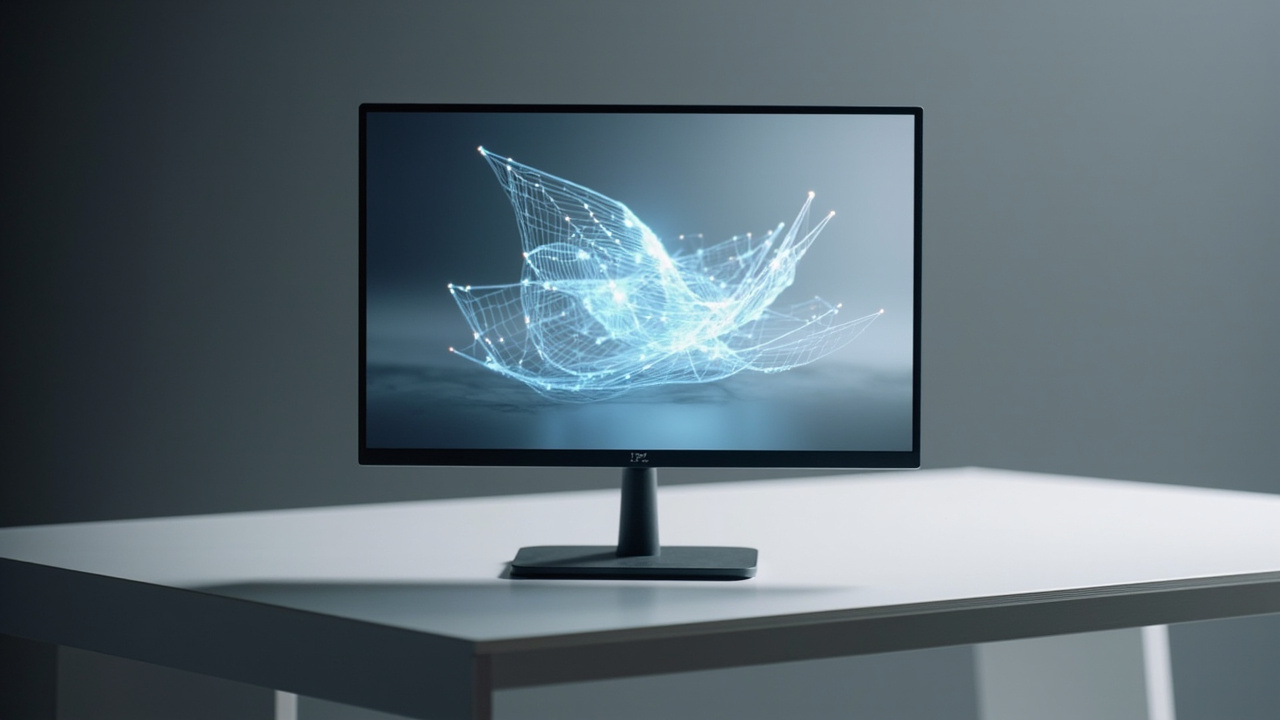
A 3D ready monitor presents stereo or 3D-ready content as a glasses-free spatial image for shared professional review.
What “3D ready” means in a professional context
In a professional 3DV context, a 3D ready monitor is a display engineered to receive stereo or 3D-ready visual content and present it as a true spatial image that the viewer can perceive without glasses or a headset. The “ready” qualifier is intentional: the monitor is prepared for stereo input, eye tracking, and depth rendering, rather than acting as a passive 2D panel that simply plays back flat video.
For technical buyers, the practical definition includes four traits:
- It supports stereo content input, typically side-by-side (SBS), multiview, or application-driven stereo output.
- It uses autostereoscopic optics (lenticular or parallax-barrier based) so that left- and right-eye views are delivered separately to the viewer.
- It tracks the viewer’s eye position so the correct view maps to each eye even when the viewer moves.
- It is part of a monitor-style workflow, sitting on a desk or workstation, rather than requiring an enclosed headset.
These traits are shared with the broader Spatial 3D Display category. A 3D ready monitor is effectively a Spatial 3D Display positioned for professional review use cases, where “ready” signals that the hardware, optics, and stereo pipeline are aligned for spatial content rather than ordinary 2D work.
How a 3D ready monitor differs from other 3D viewing options
The term “3D monitor” is used loosely across the market. Buyers evaluating a 3D ready monitor benefit from a clear separation between four common interpretations.
- Standard 3D monitor. Often a conventional flat panel that supports 3D playback only when paired with active-shutter or polarized glasses. The display itself is not depth-capable without eyewear.
- Autostereoscopic 3D monitor (glasses-free). A display that uses a microlens or parallax-barrier layer to deliver separate views to each eye. This is the architecture behind a 3D ready monitor as defined here.
- Head-mounted 3D display. A VR or stereo headset that fully encloses the viewer’s eyes. High immersion but breaks the shared, monitor-style review workflow.
- Holographic or light-field display. A separate category that reconstructs wavefronts in space. Distinct in approach from autostereoscopic monitors, though often grouped under the same buyer intent.
The Autostereoscopy glossary entry clarifies how lenticular and parallax-barrier optics differ, which is useful when comparing two 3D ready monitor candidates.
Core technical components
A 3D ready monitor relies on a small set of tightly integrated subsystems. Understanding them helps buyers read specification sheets and ask the right pre-purchase questions.
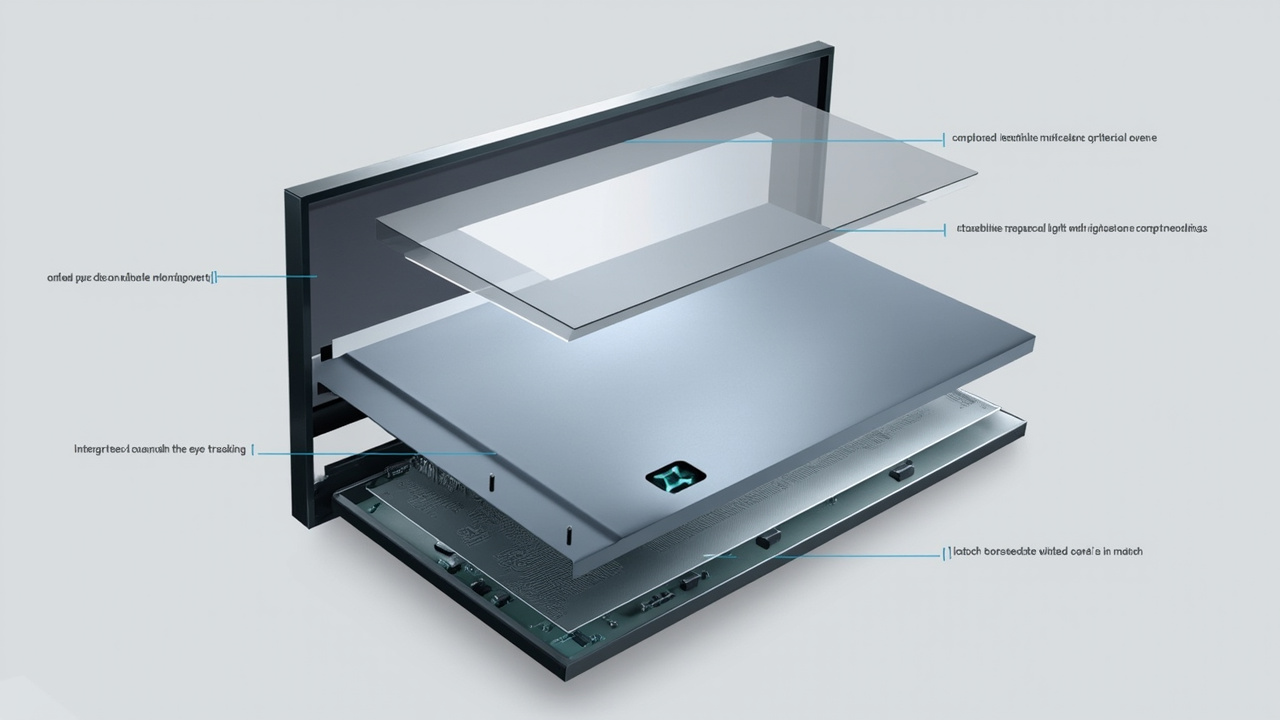
Core subsystems of a 3D ready monitor: autostereoscopic optical layer, eye tracking, display-side processing, and dynamic view mapping.
- Autostereoscopic optical layer. A microlens array or parallax barrier placed in front of the LCD panel encodes multiple views so each eye sees a different image at the correct angle.
- Eye-tracking module. Structured-light cameras or sensors locate the viewer’s eyes in real time. The display uses this data to steer the correct view toward each eye.
- Display-side processing. FPGAs or dedicated processors on the display handle the view-mapping calculations locally, so the host computer delivers content without needing to perform per-frame stereo encoding.
- Dynamic view mapping. As the viewer moves, the mapping between views and eye positions updates continuously. This is what allows a 3D ready monitor to feel natural during a long review session.
- 2D / 3D switching. On Pro-series configurations, the same panel can switch between a high-quality 2D mode and a 3D mode without recalibration by the user.
These components together explain why a 3D ready monitor behaves differently from a generic 3D monitor: the hardware is doing per-viewer, per-frame depth delivery rather than simply playing back a stereo file.
Content readiness: what makes a source 3D ready
Hardware is only half of the equation. A 3D ready monitor is “ready” in the sense that it can present depth, but the source content still has to be prepared for stereo delivery. This is where many evaluations go wrong.
Content that maps naturally to a 3D ready monitor:
- Side-by-side (SBS) stereo video and stereo image pairs
- CAD and 3D model viewers that can output stereo or dual-view rendering
- Medical visualization exports (DICOM-derived volumes, segmentation renders)
- Industrial CT, X-ray, and NDT reconstructions with proper depth cues
- Unity, Unreal, WebGL, and custom 3D applications with stereo camera support
- Stereo microscope captures routed through a Spatial Microscope pipeline
Content that typically needs preparation before it will look correct on a 3D ready monitor:
- Standard 2D video or single-view image sets
- Applications that only output a flat projection
- 3D models without stereo output, depth maps, or SBS render options
- Slide decks and documents intended for 2D reading
The Spatial Display content compatibility guide walks through the Content-to-3D Path Checker flow. For most buyers, running source files through that checker is the fastest way to confirm whether their existing material is genuinely 3D ready before investing in a dedicated monitor.
Workflow fit: where a 3D ready monitor earns its keep
A 3D ready monitor is not a general-purpose upgrade. Its value is concentrated in workflows where depth perception changes a review decision.
- Medical visualization. Review of volumetric data, anatomy education, surgical case preparation, and team-based image review. Depth cues help when communicating spatial relationships to non-radiology stakeholders.
- Industrial inspection and NDT. CT and X-ray review of electronics, castings, and assemblies. A 3D ready monitor lets inspectors rotate and inspect features in shared depth rather than scrolling through 2D slices.
- CAD and design review. Product, mechanical, and architectural review where geometry, clearances, and surface relationships need to be checked by more than one person at a time.
- Microscope review. Stereo microscope captures, particularly when shared with a teaching audience or a remote specialist.
- Education and demonstration. Classrooms, showrooms, and demo rooms where a 3D ready monitor replaces a projector-based or headset-based presentation.
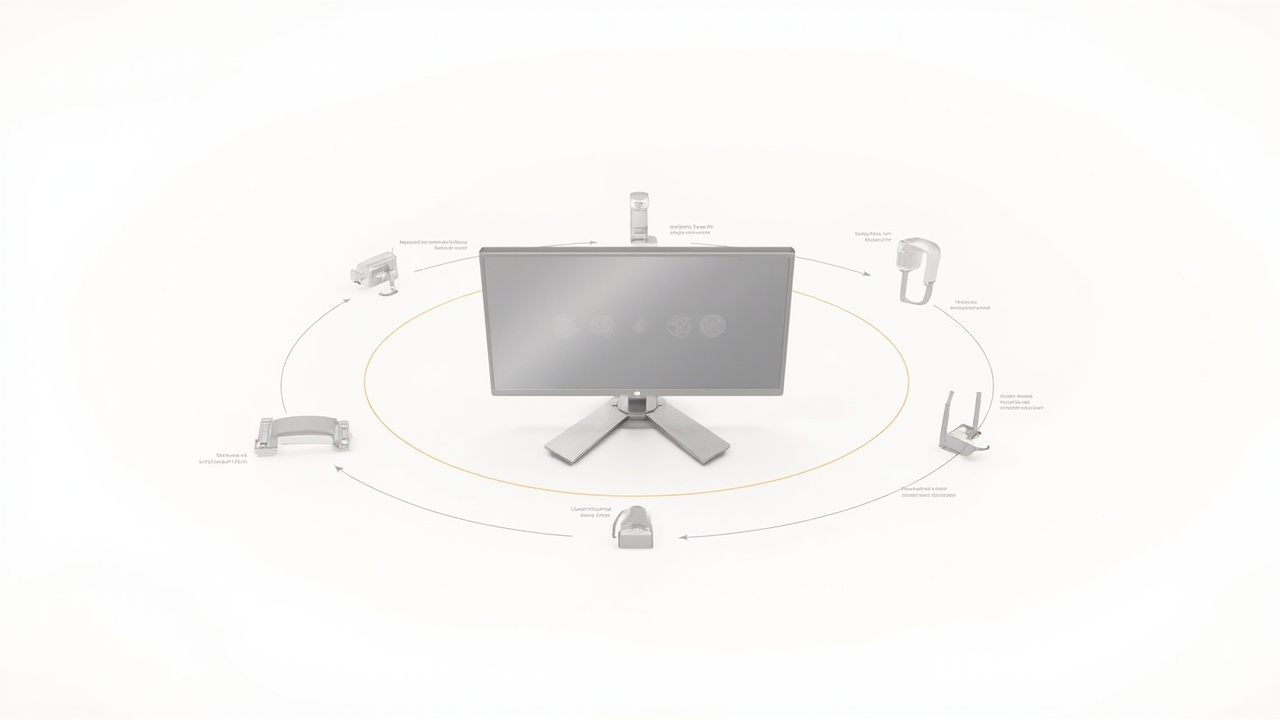
Primary workflow fits for a 3D ready monitor: medical visualization, industrial inspection, CAD review, and microscope collaboration.
Outside of these scenarios, the same hardware behaves as a high-quality 2D display, which is fine for general office work but does not justify the configuration overhead of a 3D ready monitor.
Limitations and fit boundaries to evaluate
Honest evaluation matters. A 3D ready monitor is a strong fit for the workflows above and a poor fit in others.
- Viewer count. Current autostereoscopic implementations are tuned for one primary viewer at a time. Group viewing is possible, but the experience is optimized for a single tracked viewer within the eye-tracking sweet spot.
- Touch interaction. Current 3DV Spatial Display positioning is non-touch. Buyers should not assume a 3D ready monitor includes interactive touch input; touch is handled through separate Interactive Technology products when needed.
- Source content dependency. A 3D ready monitor cannot manufacture depth from 2D content. Flat video will play, but it will not gain dimensionality without proper stereo preparation.
- Room lighting and positioning. Eye-tracking performance depends on the viewer remaining in a defined zone relative to the display. Very bright backlighting or unusual mounting angles can affect tracking robustness.
- Software pipeline effort. Custom 3D applications sometimes need stereo output added. This is straightforward with engines that support multiview rendering, but it is still a project rather than a checkbox.
These boundaries are not deal-breakers for the right buyer, but they are the questions that should be answered before a purchase is approved.
Model fit: Pro versus Essential considerations
3DV offers 3D ready monitor configurations across Pro and Essential series. The right fit depends on how the display will actually be used.
- Pro series is a stronger fit when the same workstation needs high-quality 2D work alongside 3D review. Pro models support smoother 2D / 3D switching and are well suited to mixed-use review stations such as a 27 inch Pro at a CAD desk or a 15.6 inch Pro at a portable workstation.
- Essential series is a stronger fit when the monitor is dedicated to 3D spatial review. The 14 inch Essential works for compact demo setups, and the 32 inch Essential fits dedicated 3D rooms, labs, showrooms, and classrooms.
Buyers who are uncertain between the two can use the Display Selector to match model size and series to their content type, viewer distance, and room layout. For deeper product detail, the Spatial Display product page lists the current model lineup and series positioning.
Next steps
A 3D ready monitor is a workflow tool, and the workflow has to be ready before the monitor delivers value. The recommended sequence is:
- Confirm content readiness. Run representative source files through the Content-to-3D Path Checker to verify stereo or 3D-ready output. If content is not yet 3D ready, plan the preparation step before ordering hardware.
- Match model to fit. Use the Display Selector to compare Pro and Essential configurations against room size, viewer distance, and content type.
- Validate the experience. Preview the workflow in the Spatial Display Simulator or with SBS content in the Spatial Player to confirm the experience matches expectations.
- Confirm before ordering. Submit a pre-purchase request through Ask Before Ordering to verify content pipeline, room conditions, and model fit with a 3DV specialist.
A 3D ready monitor is the right answer when the workflow is already oriented around depth, the source content can deliver stereo or 3D-ready visuals, and the room and viewer conditions support eye-tracked autostereoscopic viewing. Under those conditions, the monitor becomes a shared review surface rather than another flat panel, and that is the real value of going 3D ready.