
3D Display Screen Buying Guide for Professional Teams
A professional 3D display screen should be purchased against a written workflow requirement, not a demo impression. Before comparing models, document five things: the content that must show depth, the primary viewer and room, the normal 2D workload, the source hardware and software, and the acceptance test the supplier must pass.
This article focuses on procurement and evaluation. For product-family selection after the requirements are clear, use the Pro vs Essential guide.

Write the use case as an observable task
Replace a broad goal such as “improve 3D visualization” with a task that can be tested:
- an engineer rotates and inspects a stereo CAD model at a review station;
- an educator presents prepared anatomy content to a small group;
- an NDT team discusses a reconstructed volume while preserving its existing reporting process;
- a showroom operator launches the same prepared sequence throughout the day.
State who performs the task, which content is used, how long a session lasts, and what decision follows the review. If the team mainly reads text, edits spreadsheets, or views ordinary 2D media, a standard monitor may be the more appropriate purchase.
Define the content requirement before the screen requirement
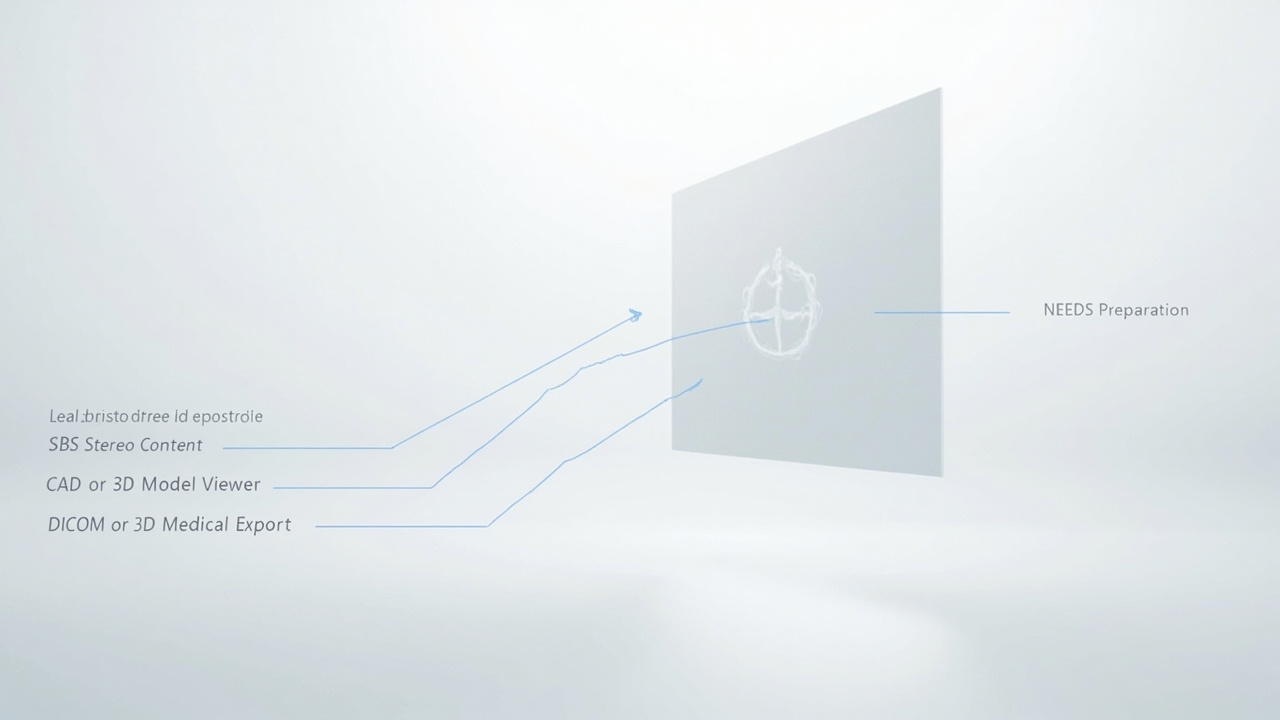
A display cannot infer reliable depth from every flat input. Ask the content owner to identify at least one validated path:
| Source | Requirement to confirm | Evidence for acceptance |
|---|---|---|
| Stereo video | left/right order, full or half SBS, resolution, frame rate | representative file plays with correct depth |
| CAD or real-time 3D | stereo camera or supported stereo output | project scene renders through the intended workstation |
| Medical or industrial volume | approved viewer/export path and non-clinical display role | de-identified sample follows the real review workflow |
| Common 3D asset | supported player, materials, scale, and camera setup | selected asset opens and remains interactive |
Use the content compatibility guide to identify the path. If no representative file or application is available, treat compatibility as unresolved rather than assuming it will work after purchase.
Specify the viewer and workspace
Record the primary viewing position, expected head movement, screen height, desk depth, ambient light, and number of simultaneous viewers. Eye tracking can adapt the view for a moving operator, but it does not remove the display’s practical viewing zone or turn a single-viewer workstation into a large-audience system.
For a shared room, define whether one person needs the 3D view while others discuss a 2D mirror, or whether people will rotate through the primary position. For a fixed station, test normal posture: leaning forward, sitting back, taking notes, and turning briefly to a colleague.
Separate display responsibilities from host responsibilities
The procurement document should say which layer owns each function:
- the application creates or exports spatial content;
- the host decodes or renders that content;
- the display receives a supported signal and performs its display-specific mapping;
- the operator controls files, views, annotations, and 2D/3D switching.
Display-side processing can reduce host dependency for spatial mapping, but it does not reduce the computing requirements of a heavy CAD, volume-rendering, or simulation application. Include the actual workstation in the test.
Compare proposals with a requirements matrix
Score each candidate against evidence rather than feature count.
| Decision area | Minimum question | Reject or investigate when |
|---|---|---|
| Workflow | Can the named task be completed end to end? | only a supplier demo is available |
| Content | Does representative content produce stable depth? | support is described only as “3D compatible” |
| Viewing | Is the image stable in the natural work position? | the user must hold an impractical pose |
| 2D use | Is text and interface work acceptable for the planned role? | a dedicated 3D screen is being specified as the main 2D monitor without testing |
| Integration | Are ports, OS, player, application, and responsibilities documented? | a cable connection is treated as full compatibility |
| Support | Is there a repeatable setup and escalation path? | success depends on undocumented manual steps |
Price should be compared only after these requirements are met. A lower-cost screen that cannot use the team’s content is not the lower-cost system.
Run an acceptance test with real content
Create a short test protocol before the order:
- Connect the intended source device.
- Open at least two representative content types.
- Verify left/right order, scale, depth direction, and readable detail.
- Move naturally within the planned working position.
- Run a realistic session rather than a short highlight clip.
- Switch to the required 2D task and back to 3D.
- Record configuration, limitations, and any preparation steps.
The display setup checklist provides a room-level preflight that can be attached to this acceptance test.
Decide only after the unknowns are visible
A clear requirement may point to a mixed 2D/3D main screen, a dedicated 3D review display, or no purchase until the content path is ready. That is a useful outcome: procurement should expose risk before deployment.
Once the evidence is complete, use the Display Selector for model fit. If content, room, or integration remains uncertain, use Ask Before Ordering and include the acceptance-test details.