
What Does a 3D Display Do
When teams ask what does 3D display do, they are usually trying to understand whether a 3D display will change how they review models, scans, and other 3D-ready content at their desk. A 3D display renders images so the viewer perceives real depth, rather than a flat picture that only suggests depth through shading and perspective.
This explainer focuses on the glasses-free 3D spatial display category that 3DV builds. It explains what those displays do, how they do it, where they fit a professional workflow, and where they do not.
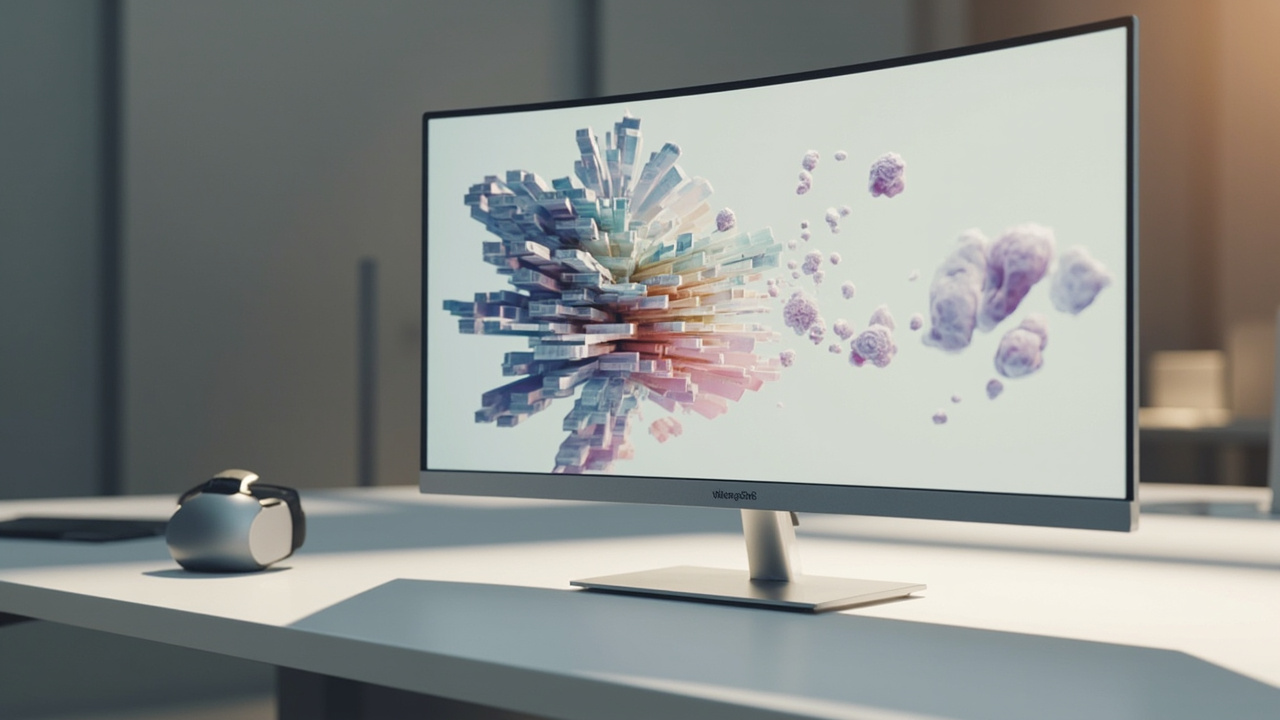
A glasses-free 3D spatial display renders depth directly on the panel, without headsets or 3D glasses.
How a 3D display creates depth without glasses
A standard monitor shows one view to both eyes, so the brain receives a flat signal. A 3D display delivers slightly different views to the left eye and right eye. The brain combines those two views into a single depth perception, the same cue it uses to see the real world in stereo.
Glasses-free 3D displays reach that result without headgear:
- An autostereoscopic display uses an optical layer in front of the panel, such as a lenticular lens array or a parallax barrier, to steer light so each eye receives its own view.
- An eye-tracked autostereoscopic display adds structured-light eye tracking so the panel can adjust those views as the viewer moves, keeping depth stable across a defined viewing zone.
- Display-side processing handles the left-eye and right-eye view mapping in real time so source content can be presented as a true stereo image.
The result is a monitor-style experience where the viewer sees depth directly on the screen, without wearing 3D glasses, VR headsets, or shutter eyewear.
For a deeper definition of the underlying technology, see the Autostereoscopy: Technical Explainer and the Parallax Barrier Display: Workflow Fit article. For the broader category framing, the Spatial 3D Display: Technical Explainer covers how glasses-free 3D displays fit professional environments.
What a 3D display does in a professional workflow
In a professional review workflow, a 3D display does a specific set of jobs. It is not a general-purpose replacement for every monitor; it is a focused tool for content that benefits from real depth.
1. Renders depth from stereo-ready source content
A 3D display takes stereo or 3D-ready input, such as side-by-side (SBS) stereo, CAD data, medical 3D exports, industrial CT volumes, or stereo-enabled 3D applications, and presents it as a depth image on the panel. Teams reviewing this kind of content see geometry, layers, and spatial relationships more directly than they would on a flat monitor.
This is the core job of a 3D display: turn stereo-capable content into a depth image you can read at your desk.
2. Keeps the workflow monitor-style instead of headset-style
Because a glasses-free 3D display does not require a headset, controllers, or a closed viewing environment, teams can keep a familiar monitor workflow. People can move between 2D applications and 3D review on the same desk, discuss content with colleagues in the room, and switch back to standard work without removing gear.
This is a meaningful difference from VR-based review, which isolates the viewer and changes how a team collaborates around the content.
3. Supports shared observation around the panel
For microscope review, anatomy teaching, design review, and inspection work, a glasses-free 3D display allows more than one person in the room to see depth at the same time on the panel. This supports the kind of side-by-side discussion that VR review usually interrupts.
4. Switches between 2D and 3D as the workflow requires
Pro-series glasses-free 3D displays can switch between a high-quality 2D mode and a 3D mode. This is useful when the same station is used for normal office work, documentation, or reference viewing in 2D, and then switched to 3D for review of stereo-ready content.
5. Anchors a depth-first review station
A 3D display is typically deployed as a dedicated review station rather than a primary all-day monitor. Teams use it where depth perception changes the outcome, for example a CAD review seat, a microscope station, a surgical education room, or an industrial inspection bench, and use standard displays for everyday office tasks.
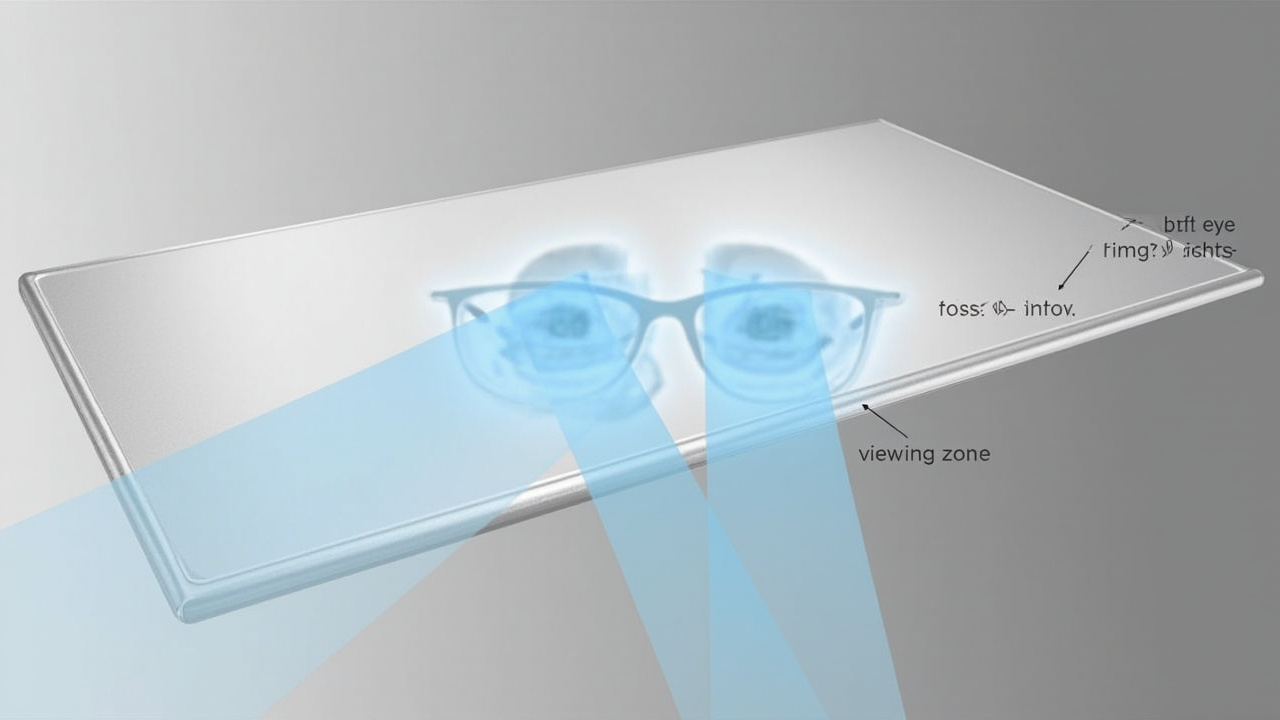
An autostereoscopic display steers separate views to each eye so the brain reads depth from the panel.
What a 3D display does not do
Clear limits help buyers decide fit. A glasses-free 3D display does not:
- Add depth to flat content on its own. Ordinary 2D video, flat photography, and single-view 3D applications without stereo output are not converted into real depth by the panel. They display as 2D on a 3D-capable screen.
- Replace a VR headset for fully immersive scenes. A glasses-free 3D display keeps a monitor-style workflow; it does not provide head-tracked immersion inside a virtual space.
- Show depth to every seat in a large room. Eye-tracked autostereoscopic displays keep depth stable across a defined viewing zone. Viewers outside that zone can still see the image, but depth quality changes.
- Act as a touch interface on current Spatial Display models. Current 3DV Spatial Display positioning is non-touch. Touch interaction belongs to separate Interactive Technology product lines.
- Guarantee compatibility with every content source. Stereo output depends on the source application. Content that does not export stereo, SBS, or 3D-ready views needs preparation before it shows real depth.
For content-fit questions, the Spatial Display Content Compatibility article walks through how to check whether a workflow can feed a 3D display real stereo content.
Where a 3D display fits best
A glasses-free 3D display fits best where the workflow already produces stereo or 3D-ready content and where depth perception changes the review outcome.
- Medical visualization and anatomy education. Reviewing 3D anatomical data, case material, and teaching content with real depth supports anatomy education, surgical education, case review, and team review.
- Industrial inspection and NDT. Industrial CT, X-ray, and QA defect review benefit from depth when the team needs to read internal geometry, layers, and defects in stereo.
- CAD and design review. CAD models, product design geometry, and architecture review sessions benefit when reviewers can see real depth instead of rotating a flat projection.
- Spatial microscope workflows. Stereo microscope feeds and 3D microscope workflows support shared observation and specialist review in medical, industrial, education, and research settings.
- Showrooms, museums, and demo spaces. Prepared 3D content presented on a glasses-free panel supports visitor-facing review without handing out headsets or glasses.
In each of these settings, the 3D display does a specific job: it presents depth-ready content as a depth image at a review station.
Choosing and preparing for a 3D display
Because what a 3D display does depends on the content you feed it, evaluation should start with the workflow rather than the panel.
- Confirm your content can output stereo or 3D-ready views. Side-by-side stereo export, stereo camera support in CAD or 3D viewers, and stereo-enabled pipelines (Unity, Unreal, WebGL, custom 3D apps, DICOM-based 3D exports) are strong fit signals. Single-view 2D sources are not.
- Decide between a dedicated 3D station and a mixed 2D/3D station. A dedicated 3D station is well served by Essential-series displays. A station that needs frequent 2D/3D switching is a better fit for Pro-series displays.
- Pick the screen size that matches the use case. Compact review seats, portable workstation use, main review stations, and larger lab or showroom setups each map to different panel sizes in the current Spatial Display line.
- Plan viewer placement. Eye-tracked autostereoscopic displays keep depth stable inside a defined viewing zone. Plan where the primary reviewer sits, and how many people need to view at once.
- Validate content before deployment. Use the content compatibility checks and, where useful, the Spatial Display Simulator and SBS player paths on 3DV.io to confirm that your source content actually shows depth on the panel.
The Display Selector helps match a model to a use case, and the Ask Before Ordering route gives buyers a pre-purchase support path when fit is not yet clear.
Next steps
If you are still framing the question “what does 3D display do” at the category level, the Which 3D Does Not Require Glasses: Technical Explainer and the Stereoscopic 3D Display: Technical Explainer articles add useful context alongside the Stereoscopic Displays: Technical Explainer.
When the workflow is the starting point, the next practical step is to confirm content compatibility, then match the station to a Spatial Display model through the Display Selector or by contacting 3DV through the Ask Before Ordering route.
A glasses-free 3D spatial display renders depth directly on the panel, without headsets or 3D glasses.
An autostereoscopic display steers separate views to each eye so the brain reads depth from the panel.
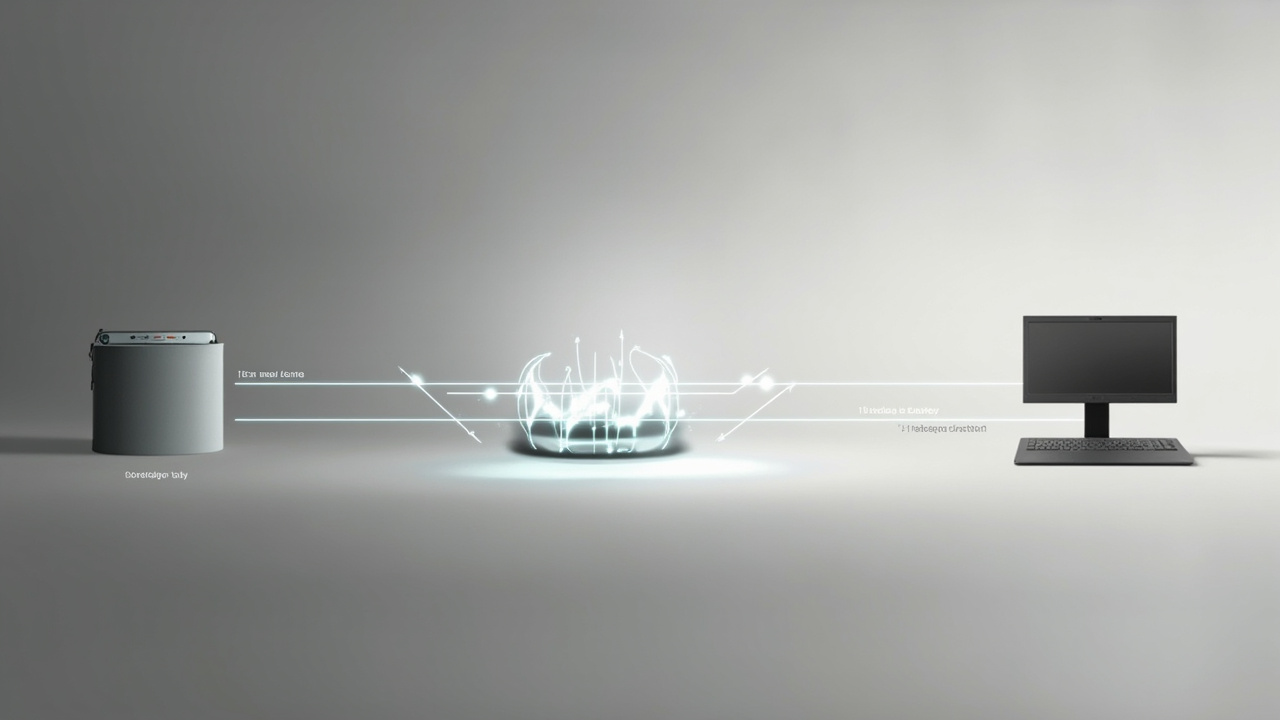
A 3D display does its real work when stereo-ready source content is fed into a depth-first review station.