
Stereoscopic Animation: Production and Review Workflow
Stereoscopic animation is produced with coordinated left-eye and right-eye cameras. The expensive mistakes are rarely “not enough 3D.” They are inconsistent camera rigs, depth that changes abruptly between shots, occlusion errors, and delivery files that reverse or distort the views. Stereo should therefore be reviewed from layout through final output, not added only at render time.
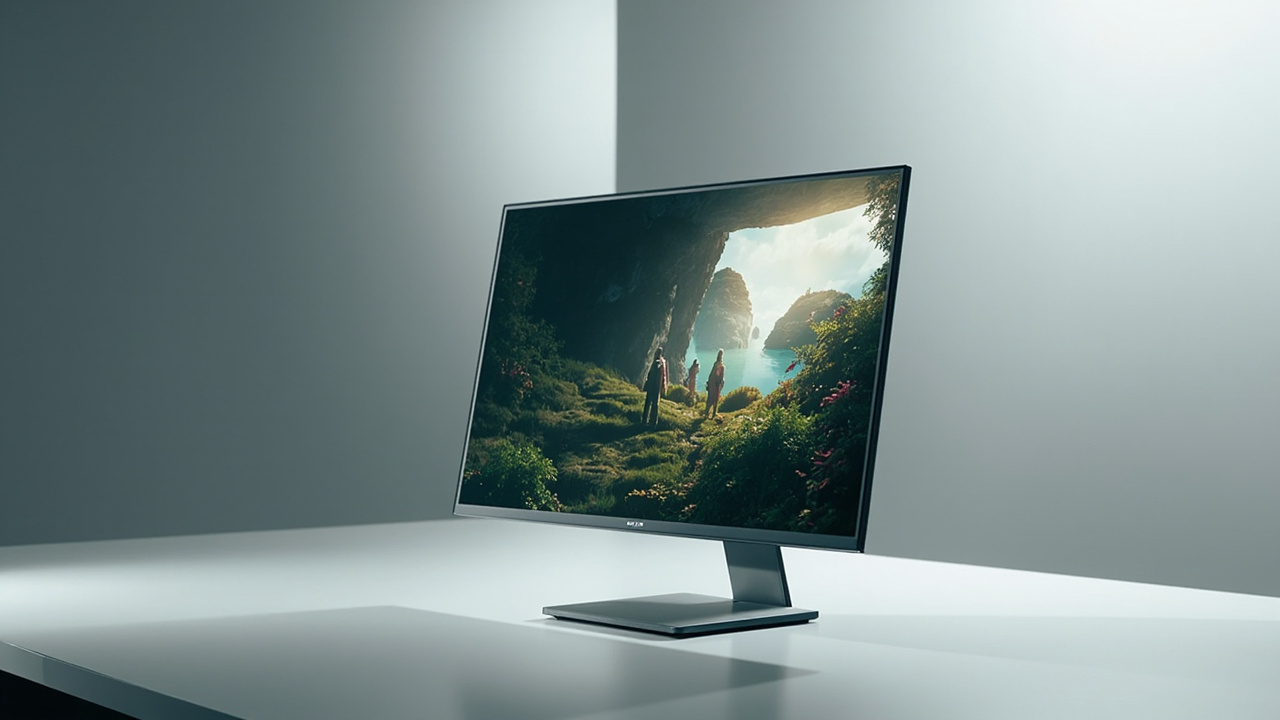
Set the depth intent during layout
Before animation begins, define what the depth is supposed to communicate. A product sequence might separate internal components; an educational scene might clarify layered anatomy; a technical animation might show assembly order.
Create a depth script or shot note for each sequence:
- important subject and intended screen-plane position;
- acceptable inward and outward depth;
- transitions that require special care;
- text, captions, or UI elements that should remain easy to fuse;
- target screen size and approximate viewing distance.
This prevents each shot from using a different stereo scale simply because it looks dramatic in isolation.
Build a stable stereo camera rig
A virtual stereo rig needs matched cameras with a controlled separation and convergence method. Parameters should be linked so focal length, clipping, resolution, and animation remain synchronized.
Avoid using camera separation as a generic intensity control. The perceived result also depends on scene scale, focal setup, object distance, screen size, and viewing distance. Test the combination on the intended display class.
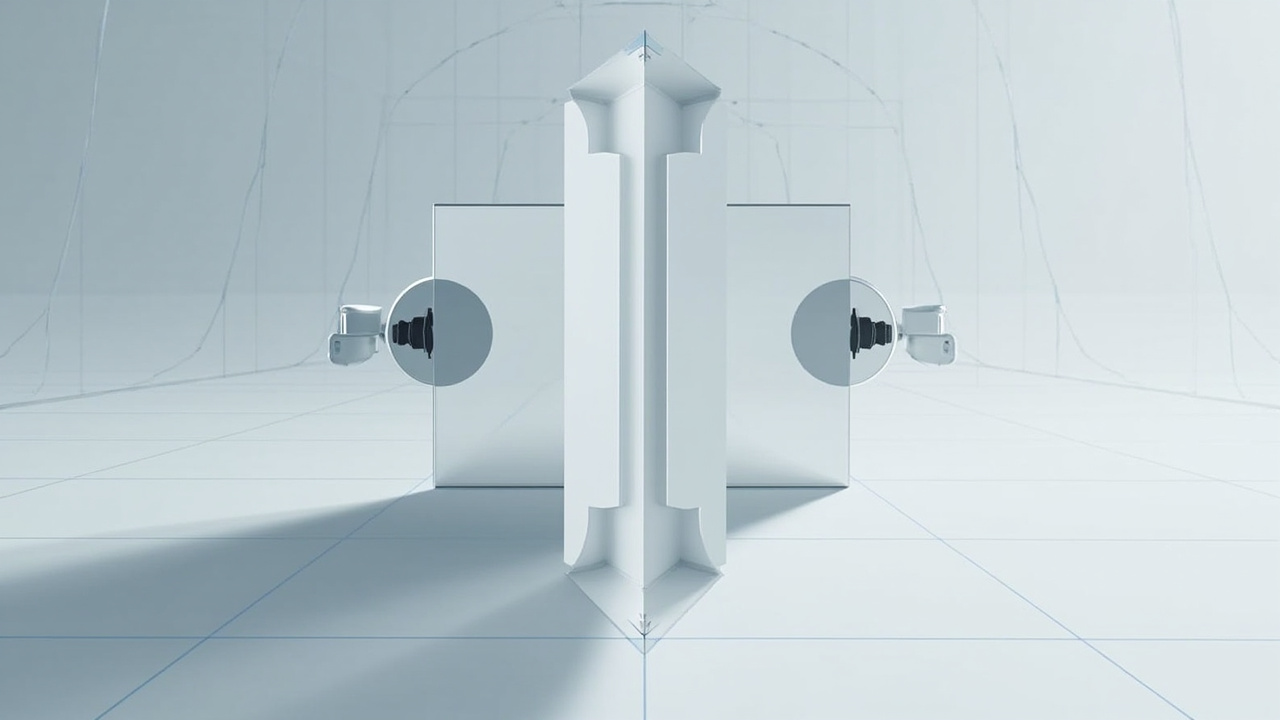
Review early at three checkpoints
Layout review
Use simple geometry and low-cost previews to check composition, screen-plane choices, scene scale, and shot-to-shot depth continuity. Fixing stereo at this stage is much cheaper than re-rendering finished assets.
Animation and effects review
Check fast motion, particles, transparency, reflections, depth of field, and screen-edge violations. An object that is cut by the frame while appearing far in front of the screen can create a conflicting cue. Fine effects may also differ unpredictably between separately rendered views.
Final stereo review
Compare the two views directly, then review them through the actual delivery path. Look for vertical mismatch, reversed eye order, frame desynchronization, color differences, excessive disparity, and uncomfortable transitions.
Choose a delivery format deliberately
SBS is often convenient because the two views travel inside one standard frame. Full SBS preserves more per-eye detail; half SBS reduces width and data requirements. Top-and-bottom, dual streams, or application-specific stereo output may be more suitable in other pipelines.
Record the format, eye order, resolution, frame rate, aspect-ratio rule, color space, and audio arrangement in the delivery specification. A filename containing “3D” is not enough for downstream operators.
The SBS video guide provides a format-specific preflight.
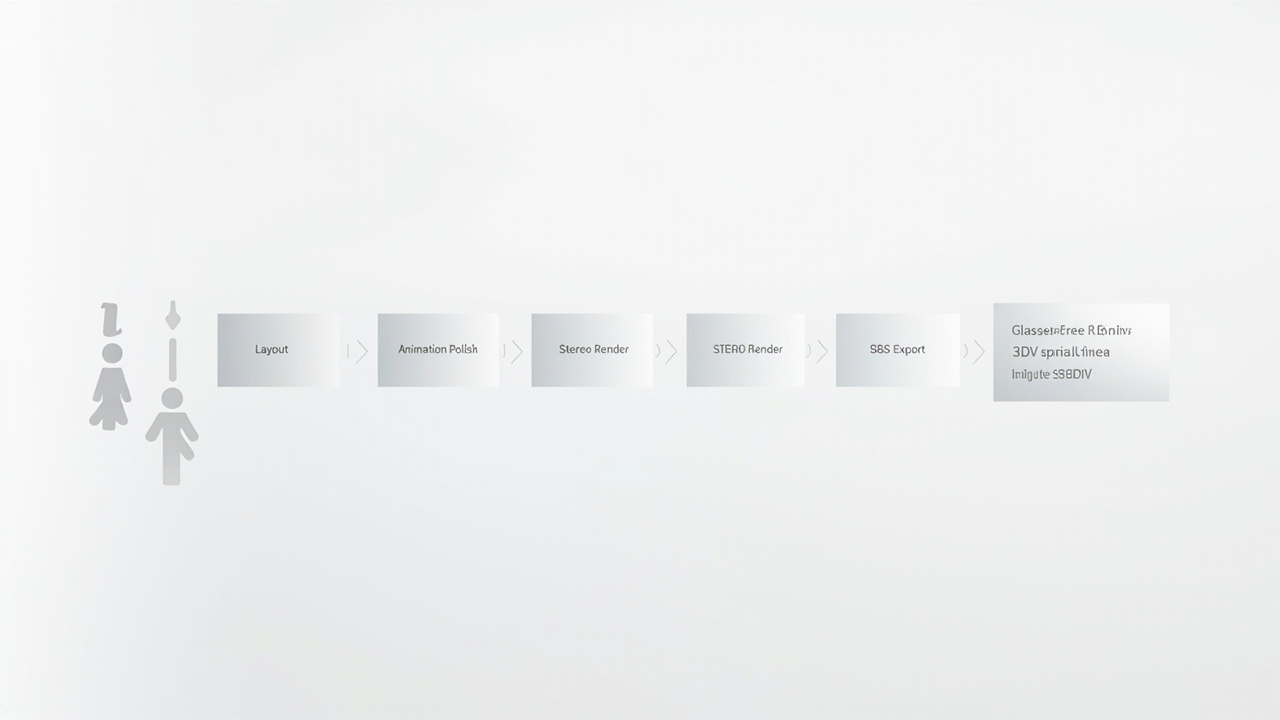
Use a review loop that separates causes
| Symptom | Inspect first |
|---|---|
| depth feels reversed | eye labels and player eye order |
| subject is difficult to fuse | disparity, vertical alignment, camera rig |
| motion produces double images | view synchronization and frame timing |
| image looks stretched | SBS/TAB aspect-ratio handling |
| depth changes sharply between edits | shot-level depth budget and screen plane |
| text is uncomfortable | text depth, size, and whether it should remain 2D |
Review the source pair before changing the display. Then use a known-good stereo file to verify the playback and display layers. This two-direction test identifies whether the defect belongs to content or delivery.
Where a glasses-free display fits
A glasses-free spatial display can serve as a desk or meeting-room review endpoint when the team wants to discuss depth without distributing eyewear. It is useful for dailies, client review, training content, and prepared presentations, provided the animation is delivered through a supported stereo path.
It does not replace source-side stereo design or final checks for every target device. If the same animation will be delivered to cinema, headset, web, and autostereoscopic screens, validate each presentation separately.
Handoff checklist
Before final approval, archive the left/right masters or scene cameras, stereo rig settings, depth notes, delivery specification, representative test frame, and known limitations. Then validate the final file with the content compatibility workflow and the real playback device.