
Spatial Signage: Technical Explainer
Spatial signage refers to digital signage systems that present content with perceivable depth, so viewers see a three-dimensional image on the display surface rather than a flat 2D panel. In 3DV’s framing, spatial signage is built on glasses-free 3D display architecture, also called autostereoscopic display, so the depth effect is visible to unaided viewers in front of the screen. This article explains what spatial signage is, how the depth effect is produced, how it differs from stereoscopic and 2D signage, and where it fits inside professional evaluation workflows.
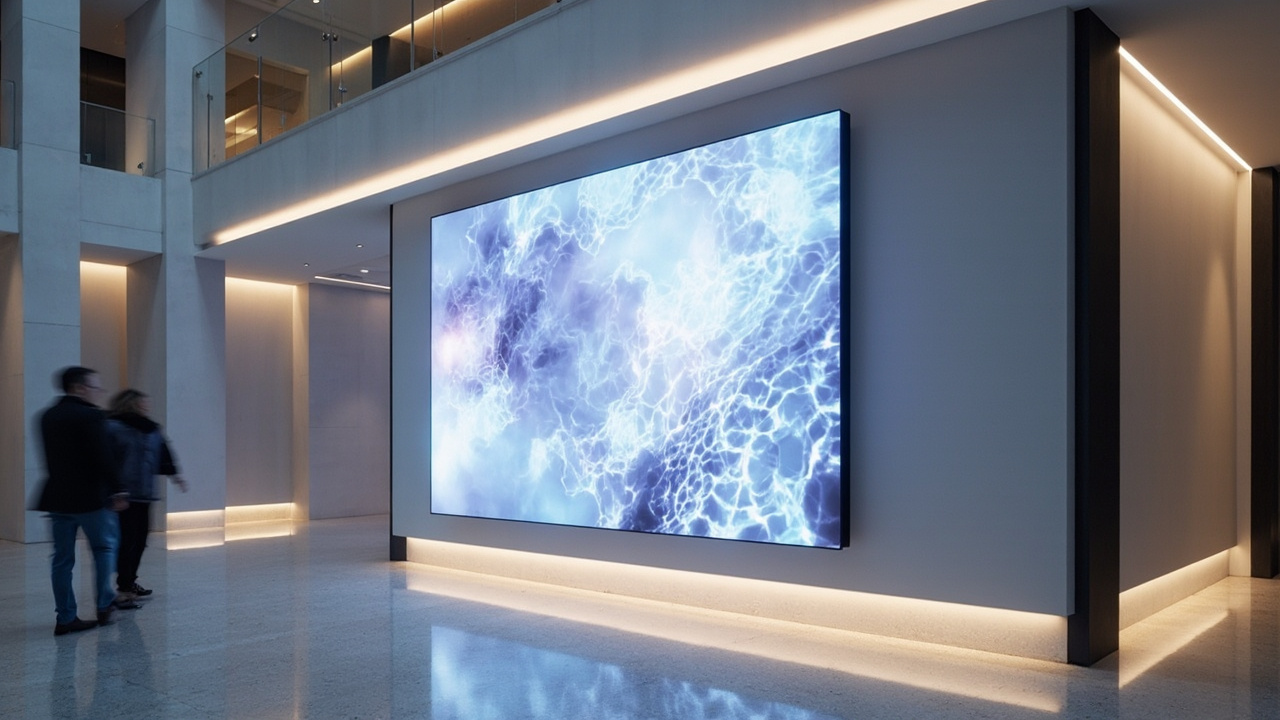
Spatial signage delivers perceivable depth to unaided viewers on a glasses-free 3D display panel.
What is spatial signage
Spatial signage is a category of digital signage in which the displayed content carries real binocular depth cues. Each viewer in the supported viewing zone perceives left-eye and right-eye perspectives that the display produces separately, which creates the impression of volume, layering, and parallax on the panel itself.
For 3DV evaluation purposes, the term is used in a specific way:
- Glasses-free. The viewer does not wear 3D glasses, headsets, or tracked eyewear.
- Spatial. The perceived image occupies depth in front of and behind the screen plane, not just on a flat surface.
- Signage-oriented. The system is intended for repeated public or semi-public viewing, such as lobbies, showrooms, exhibits, demo spaces, briefing rooms, and training areas, rather than a single-operator workstation.
This framing distinguishes spatial signage from consumer 3D televisions, VR headsets, and head-mounted displays. It also separates spatial signage from 2D video walls, which can be large and bright but cannot present parallax or volumetric depth.
How spatial signage delivers depth without glasses
Spatial signage relies on autostereoscopic display architecture. The two most established optical approaches are lenticular lens arrays and parallax barriers. Both methods direct different sets of pixels toward each eye so that the brain fuses them into a stereo pair.
Key technical building blocks that appear in spatial signage systems:
- Eye tracking. Structured-light or camera-based eye tracking locates the viewer and updates the left-eye and right-eye view mapping in real time. This is what allows the depth effect to remain stable as a viewer moves within the supported zone.
- Display-side processing. An FPGA or dedicated processor on the display side carries the stereo mapping workload so the host computer can continue to run normal applications.
- Left-eye and right-eye view delivery. The display presents perspective-correct views per eye, which produces binocular disparity and supports parallax.
- 2D and 3D switching. In Pro-oriented signage systems, the panel can fall back to a high-quality 2D mode for non-3D content without losing usable image quality.
When the source content already carries stereo or depth information, the autostereoscopic panel can render it with depth. When the source content is flat 2D, the panel can still display it, but the spatial effect is reduced to whatever parallax cues are synthesized at runtime.
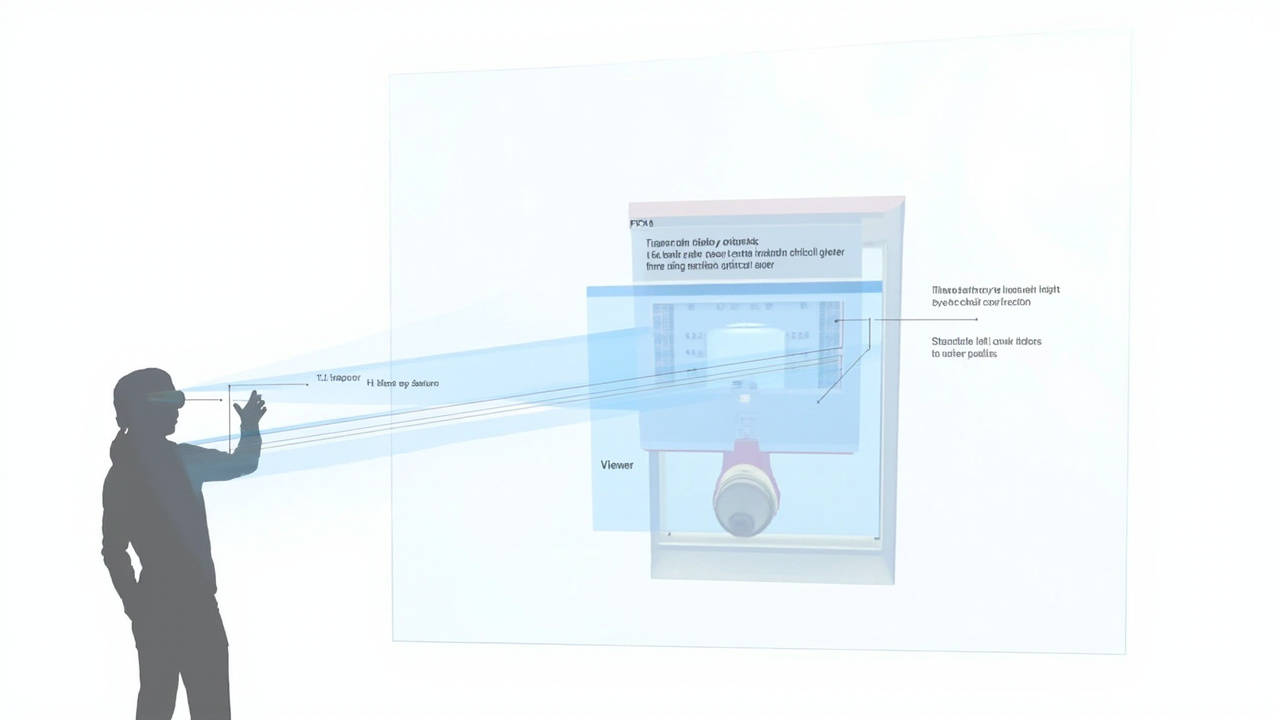
Autostereoscopic optical layers and eye tracking direct separate left and right eye views to produce depth without glasses.
Spatial signage versus stereoscopic signage and video walls
A common source of confusion is the difference between spatial signage and related terms. The contrast below is intended for evaluation, not as a ranking or recommendation.
- Spatial signage (glasses-free autostereoscopic). Depth is visible without eyewear. Viewers in the supported zone perceive stereo separation directly from the panel.
- Stereoscopic signage (glasses-required). The display shows alternating or simultaneous left and right eye views, but the viewer must wear active shutter or polarized glasses to fuse them. This category is covered in the Stereoscopic Display explainer.
- 2D video walls. Large, bright panels arranged for impact, but the image stays flat. They are widely deployed and well understood, and they remain a reasonable fit for content that does not benefit from depth.
- Head-mounted 3D. VR or AR headsets isolate the view per user but require wearing a device and are not a signage form factor.
Spatial signage is therefore a fit-for-use decision. Where the goal is shared, unaided depth viewing, spatial signage has a distinct role. Where the goal is maximum brightness, lowest cost, or content that has no depth, 2D signage remains a practical choice.
Where spatial signage fits in professional workflows
Within 3DV’s solution architecture, spatial signage sits between shared-display review and public-facing demonstration. The scenarios that most often justify evaluating it include:
- Showroom and demo spaces. Product launches, brand experiences, and customer briefing rooms where a depth-aware presentation differentiates the content.
- Exhibits and museums. Curated 3D content, scientific visualization, and educational displays where unaided viewing supports longer dwell time.
- Briefing and training rooms. Team review of CAD models, medical visualizations, or industrial inspection captures, presented to multiple viewers without handing out eyewear.
- Reception and lobby areas. Where a high-impact 3D visual reinforces brand positioning and supports repeated viewing during the day.
These use cases share three traits: the audience is shared, the viewing is unaided, and the content benefits from depth. Where any one of those traits is missing, a different display category may be a better fit.
Content requirements for spatial signage
A spatial signage deployment depends on the source content being able to output stereo or 3D-ready visual data. 3DV works best when the workflow can deliver one of the following:
- Side-by-side (SBS) stereo content, including SBS video or SBS-aware players.
- CAD or 3D model viewers configured to output stereo views.
- Medical or industrial 3D exports, such as volumetric or layered reconstructions.
- Real-time 3D engines such as Unity, Unreal, or WebGL applications that can render to a stereo output.
- Prepared stereo image sets or stereo-ready video pipelines.
Content that is ordinarily flat, including standard 2D video, single-view photographs, and software that only outputs a single 2D buffer, can still display on a spatial signage panel but will not benefit from the depth capability in the same way. For teams evaluating a purchase, the Spatial 3D Display Software Workflow and Compatibility Guide is a useful preparation reference. Teams that want to test content readiness before deployment can use the Content-to-3D Path Checker at the compatibility route.
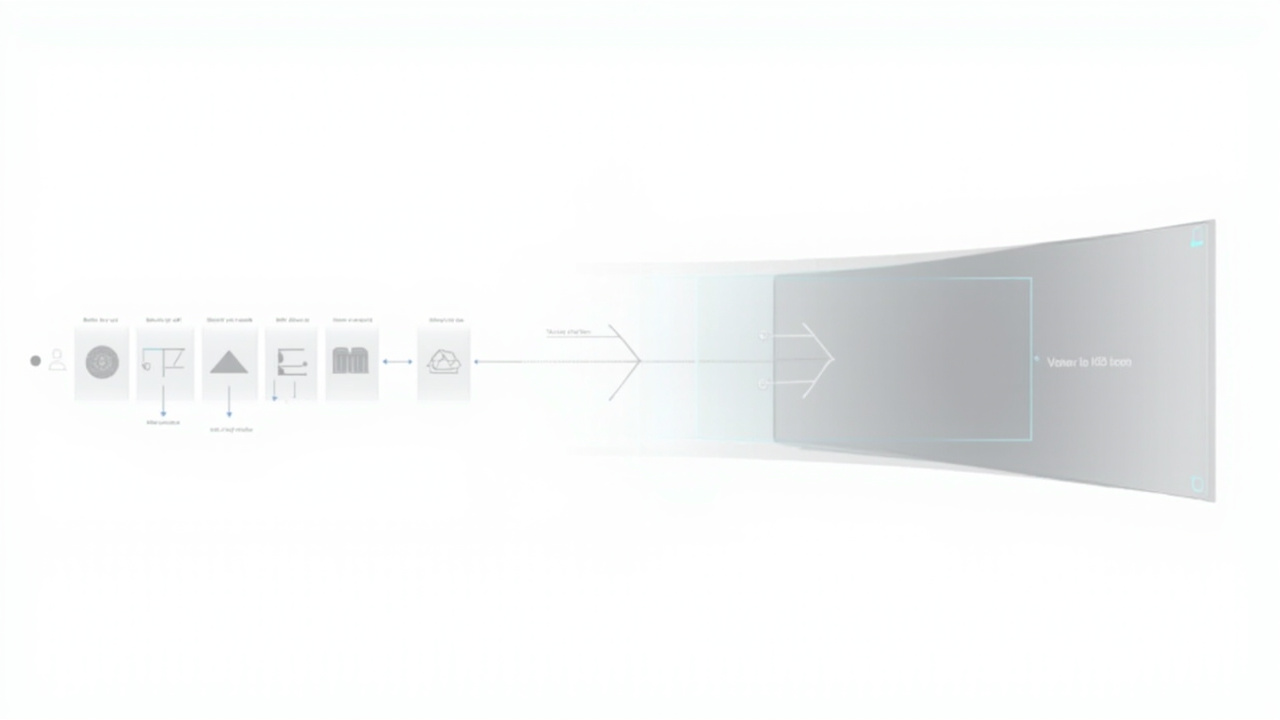
Spatial signage workflows depend on stereo-ready source content such as SBS video, CAD stereo output, or real-time 3D engines.
Hardware and viewing considerations
When evaluating spatial signage hardware, three practical considerations tend to drive the decision.
- Viewer zone. Autostereoscopic panels support a defined viewing zone, often centered on a single primary viewer or a narrow band of viewers. Eye tracking expands the practical zone, but the system still has limits. Buyers should confirm that the intended viewing geometry matches the panel’s design.
- Source pipeline. The signage computer must be able to deliver the application’s output in a format the display can consume. This often means a stereo-aware player, a stereo-capable renderer, or an SBS-aware workflow.
- Mounting and environment. Ambient light, mounting height, and the distance between the display and the primary viewer all affect the perceived depth and the comfort of the experience. A short on-site test is usually worthwhile before committing to a permanent installation.
For teams comparing models, the Spatial Display product page lists the current Spatial Display family and the differences between Pro and Essential framing. Pro is typically the better fit when a single display must alternate between high-quality 2D and 3D use; Essential is typically the better fit when the screen is dedicated primarily to 3D spatial viewing.
Limits and trade-offs to evaluate
Spatial signage is a specialized deployment. The following limits are part of normal evaluation, not shortcomings of any specific brand:
- Cost per square inch is higher than for 2D signage panels of similar size, because of the optical layer and the eye-tracking system.
- The supported viewing zone is narrower than for a 2D video wall, which constrains free-roaming audience layouts.
- Content preparation is required for the depth effect to be meaningful. Flat 2D assets will display, but without strong depth cues.
- Calibration and commissioning matter. Eye-tracking alignment and viewing-zone tuning are part of a successful install.
These are the trade-offs a buyer weighs against the value of shared, unaided depth viewing. For buyers comparing broader display categories, the Naked-Eye 3D buyer primer and the Parallax Barrier Display and Lenticular 3D Display explainers provide additional architectural context.
Next steps for evaluating spatial signage with 3DV
A practical evaluation path for spatial signage usually follows three steps.
- Confirm content readiness. Use the Content-to-3D Path Checker to verify that the planned signage content can output stereo, SBS, or a 3D-ready stream. If not, plan the content pipeline first.
- Match the model to the use case. Compare the 3D Spatial Display family against the viewing geometry, the ambient environment, and whether the screen will also be used for 2D content. The Display Selector route can guide this.
- Validate before committing. Request a demo or use the Ask Before Ordering support path to confirm assumptions about viewing zone, mounting, and source pipeline before placing a permanent-install order.
Spatial signage is a fit-for-use category. When the workflow needs shared, unaided depth viewing and the content pipeline can deliver stereo or 3D-ready output, it adds a dimension that 2D panels and glasses-based stereoscopic systems cannot match.