
Spatial Signage Display: Technical Explainer
A spatial signage display is a large-format or fixed-installation panel that presents glasses-free 3D content to viewers in public, semi-public, or professional spaces such as lobbies, demo rooms, training centers, museums, and review floors. Unlike conventional flat signage, a spatial signage display uses autostereoscopic 3D display architecture so viewers can perceive real depth without wearing 3D glasses or a VR headset.
For professional buyers, the term usually describes a workflow-fit display, not a consumer gimmick. It is meant to draw attention and communicate prepared 3D content in environments where multiple people walk up to the screen, where headsets and glasses are impractical, and where the goal is shared observation rather than single-viewer immersion.
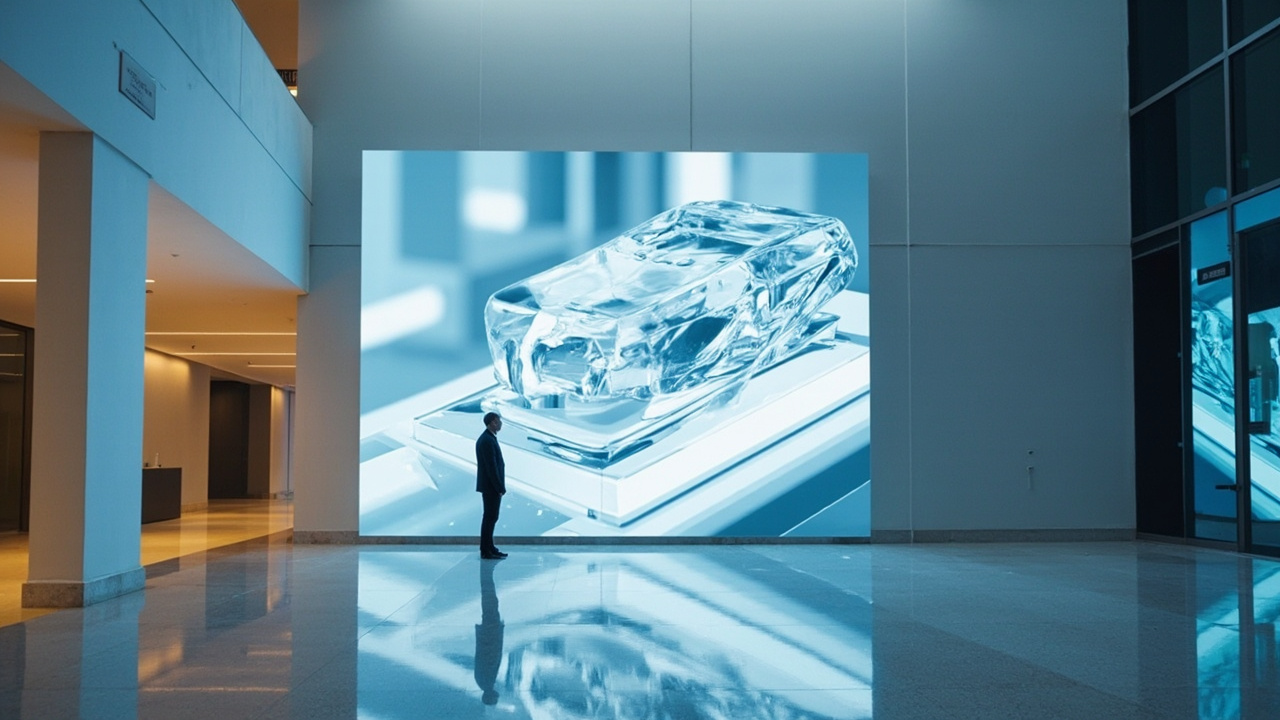
A spatial signage display delivers autostereoscopic 3D content to viewers without glasses or headsets.
How glasses-free 3D signage works
A spatial signage display relies on the same core principles as other autostereoscopic displays, scaled for fixed installation and continuous viewing:
- Stereo source content. The display takes in a left-eye and right-eye view, typically as side-by-side (SBS) stereo, a multi-view render, or a stereo camera feed.
- Optical layer or view-steering. A lenticular lenslet layer, parallax barrier, or active view-steering element directs the left and right views toward the viewer’s eyes. This is what produces the spatial, glasses-free 3D image.
- Eye tracking on higher-end units. Premium signage displays use structured-light eye tracking to keep the stereo sweet spot aligned with the viewer as they walk past the panel. 3DV’s eye-tracked autostereoscopic displays handle this on the display side through dedicated FPGA processing so the host workstation stays free for content and CAD work.
- Dynamic stereo view mapping. As the viewer’s position changes, the system updates which sub-pixels feed the left eye and which feed the right eye, keeping the depth image stable across a defined viewing zone.
- 2D fallback mode. Most professional spatial signage displays also support a 2D mode for ordinary graphics, video, and signage content, so the same panel can act as a normal information display when 3D content is not playing.
The result is a monitor-style 3D experience that one or more viewers can walk up to and use immediately, with no glasses, no headset, and no per-viewer setup.
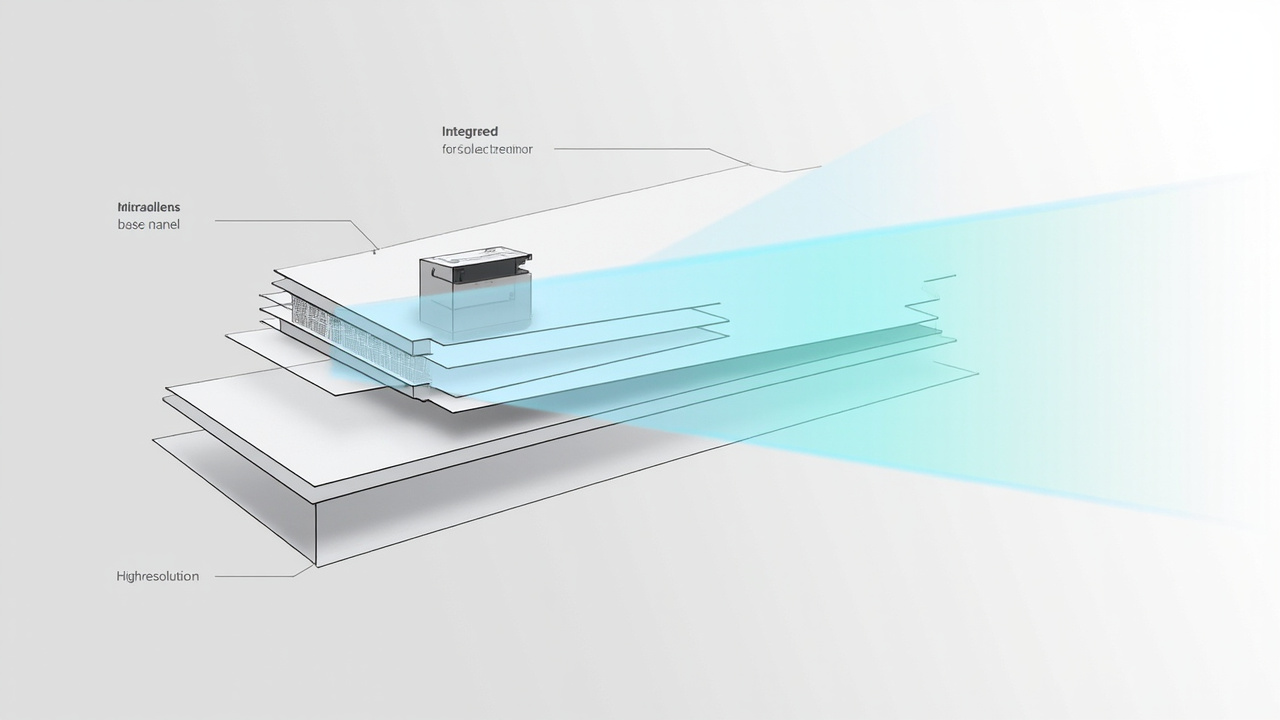
Autostereoscopic signage uses an optical layer and view-steering to deliver left and right views to the viewer without glasses.
Where spatial signage fits in professional workflows
Spatial signage is not a fit for every screen. It is most useful where the goal is shared 3D review or demonstration and the environment does not support glasses or headsets. Common fit-for-use scenarios include:
- Demo lobbies and showroom walls. A 32 inch-class spatial signage display can show prepared 3D product walk-throughs, CAD assemblies, or medical visuals to walk-up visitors without handing out glasses.
- Training centers and teaching labs. Teams can rotate through a station, observe the same 3D anatomy, part, or specimen, and discuss it as a group. This is a common fit for glasses-free 3D microscope display workflows.
- Museum and exhibit displays. Curators can present 3D artifacts, scans, and reconstructions with depth on a fixed panel, which is more legible than flat imagery for non-specialist visitors.
- Industrial inspection and NDT rooms. A wall-mounted spatial signage display can run a queue of 3D CT or scan reconstructions so a review team can walk up and discuss findings without reconfiguring a workstation.
- CAD and design review atria. When several stakeholders need to see the same model in 3D, a signage-style display on the wall keeps everyone oriented without per-viewer calibration.
- Brand and product launch events. Spatial signage displays are used as the centerpiece visual, showing stereo product renders to an audience that is not wearing 3D glasses.
In each of these cases, the signage display acts as a shared reference surface for prepared 3D content, rather than a personal 3D workstation.
Content requirements for spatial signage
A spatial signage display is only as good as the content pipeline behind it. Before deploying one, professional teams should confirm that their content path actually outputs stereo or 3D-ready material.
Content types that fit well:
- SBS side-by-side stereo video or image loops.
- Multi-view renders exported from Unity, Unreal, WebGL, or a custom 3D viewer.
- 3D CAD exports with stereo camera support.
- DICOM, CT, MRI, or industrial scan volumes rendered with a stereo-capable viewer.
- Pre-rendered stereo fly-throughs and product animations.
Content that needs preparation:
- Ordinary 2D video and flat photography, which will play but will not show depth.
- CAD files exported without a stereo camera option, which require a viewer or render pass update.
- Web content built for single-view output, which must be extended with a stereo or multi-view render path.
If the content pipeline cannot output stereo, the display will function as a high-quality 2D panel, but the spatial effect will not be present. Teams evaluating a spatial signage display should treat content readiness as a gate, not an afterthought. The 3DV Content-to-3D Path Checker and the Spatial Display Simulator are useful first stops for confirming whether existing material can be shown in stereo before committing to a signage deployment.
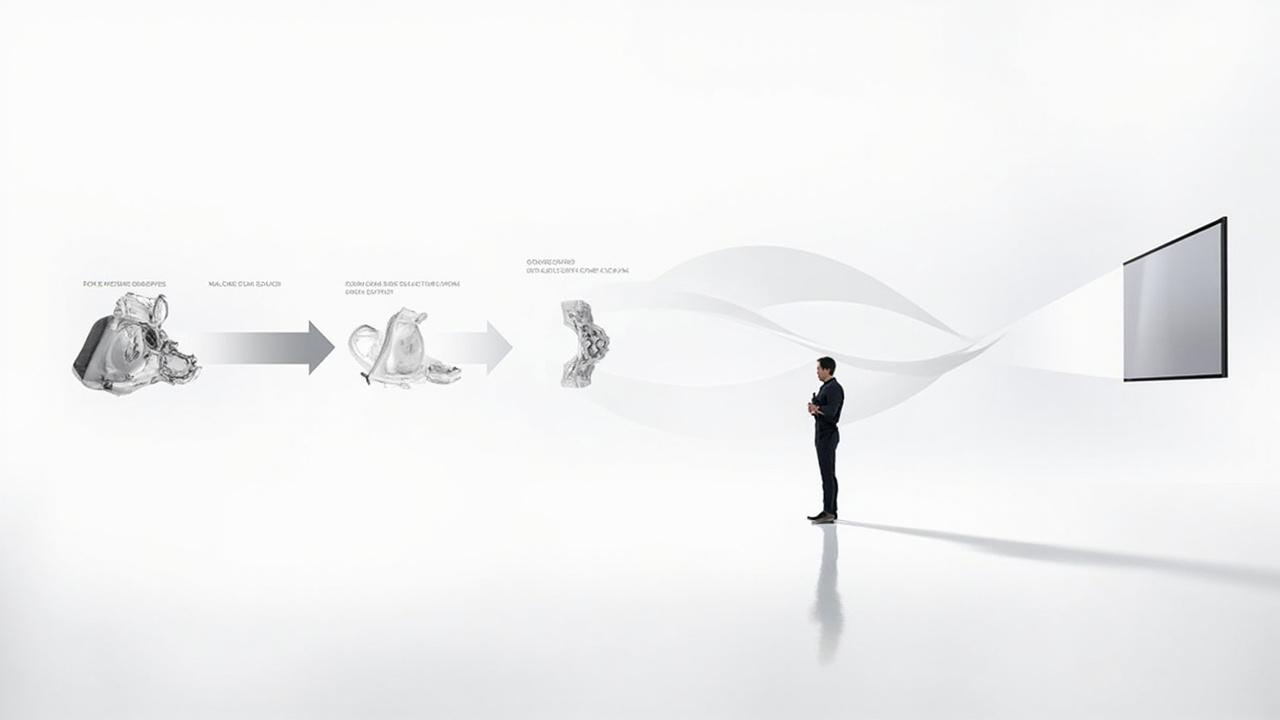
A spatial signage workflow moves from stereo-ready 3D content through a render or player pipeline to the glasses-free display.
Viewer, viewing zone, and room considerations
Because spatial signage displays rely on directed views, the viewing zone matters more than it does for a flat monitor. Buyers should plan around the following:
- Viewing distance. Each display family has an optimal distance range. A 32 inch spatial signage panel, for example, is sized for a room-scale viewing distance rather than a desk-seat distance.
- Lateral viewing window. The stereo image is only correct inside a defined horizontal window. Viewers outside that window may see a doubled or cross-talk image rather than clean depth.
- Eye tracking on premium models. Eye-tracked autostereoscopic signage displays expand the practical viewing window by steering the views to follow the viewer, which is useful in walk-up environments where people do not stand still.
- Ambient light. Strong direct light, glare, or backlight can reduce the perceived depth and contrast of the 3D image. Signage locations should be assessed for lighting, just as a video wall would be.
- One viewer or many. Many fixed spatial signage displays are tuned for one primary viewer in the sweet spot. If the goal is simultaneous multi-viewer 3D, the buyer should look at multi-view signage configurations or sequential eye-tracking, not assume a single-viewer panel will serve a crowd.
- Touch is not assumed. Current 3DV spatial display positioning is non-touch. If the signage workflow requires interaction, that should be handled through a separate kiosk, touch wall, or presenter-driven control surface, not assumed to be built into the spatial panel.
Limits and fit-for-use guidance
A spatial signage display is a workflow tool, not a universal replacement for video walls, projectors, or interactive touch walls. It is the right choice when:
- The content team can deliver stereo or multi-view 3D assets.
- The audience benefits from perceived depth, not just larger images.
- Glasses, headsets, or per-viewer calibration are not acceptable.
- The environment allows a defined viewing zone and reasonable ambient light control.
It is a weaker fit when the goal is mainly mass-market advertising with flat creative, when viewers are constantly distributed across a wide arc, or when the content pipeline only outputs 2D. In those cases, a conventional high-brightness signage display or an interactive touch wall will usually be the better fit.
Next steps for evaluating a spatial signage display
A practical evaluation path for professional teams usually looks like this:
- Audit the content pipeline. Confirm that your 3D models, scans, or video assets can be exported or rendered as stereo or multi-view content. Use the Spatial Display Content Compatibility guide as a reference.
- Pick the model class by viewing distance and audience. Compact rooms and dedicated 3D review setups favor smaller panels; lobbies, labs, and demo rooms favor larger panels. The Display Selector flow helps match the scenario to a model family.
- Plan the room. Map the viewing zone, walk-up paths, ambient light, and any need for presenter control or external interactivity.
- Validate before buying. Use the Spatial Display Simulator and the Ask Before Ordering route to confirm that the proposed signage deployment will actually deliver the intended depth experience for your specific content.
- Deploy and review. Treat the first installation as a pilot. Measure dwell time, comprehension, and review feedback before scaling to additional signage locations.
Used this way, a spatial signage display becomes a shared 3D review surface for professional teams, rather than a generic display purchase. It is most effective when the content, the room, and the audience are planned together, and when the buyer has confirmed that stereo-ready content can actually be delivered on the chosen pipeline.